SYMPTOM:
When trying to import an Object Manager package, the following error appears:
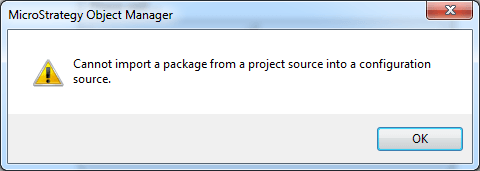
Cannot import a package from a project source into a configuration source
STEPS TO REPRODUCE:
1. In Object Manager, log in to the project source.
2. Go to Tools menu and select "Import Configuration Package".
3. Browse to the Object Manager package and select it.
4. Click on Proceed.
CAUSE:
The package that is being imported doesn't contain configuration objects (such as database instances, events, languages, schedules, security roles or users) but project objects.
ACTION:
Open the project where you wish to import the Object Manager package and select "Import Package" from the Tools menu.
