SYMPTOM:
In the report editor in Strategy Developer 9.x and 10.x, the user is unable to edit Advanced Sorting,
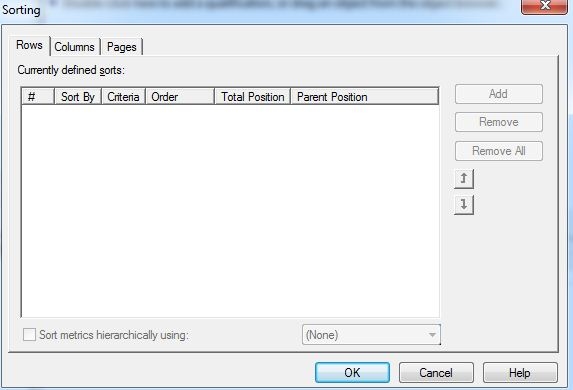
As illustrated in the screen shot above, "Add" button is disabled. This issue only happens to reports with only Object Prompts. For example:

CAUSE:
This is working as designed. If a report only contains object prompts, Advanced Sorting option is unable to identify what objects are available to be sorted.
ACTION:
To make the advanced sorting available, the user needs to execute the object prompt report first and select attributes or metrics to be placed in the grid. After that, Advanced Sorting option is available.
