SYMPTOM:
The following error message is received after performing Data Import in Strategy Web 9.2.1.
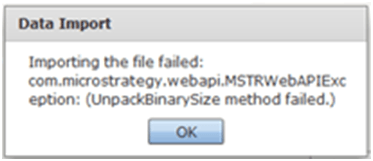
Sample Code/Error
Importing the file failed: com.Strategy.webapi.MSTRWebAPIException: (UnpackBinarySize method failed.)
CAUSE:
The Data Import process creates temporary files on the Strategy Web Server host. A possible cause of this issue is that the Strategy Web Server fails to create these temporary files.
ACTION:
Check to see if the if the Strategy Web Server host is running out of disk space or memory. If so, increase the amount of disk space or memory (whichever the problem is with) so that the temporary files can be successfully created.
