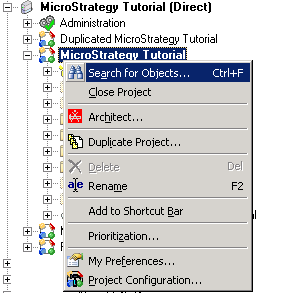
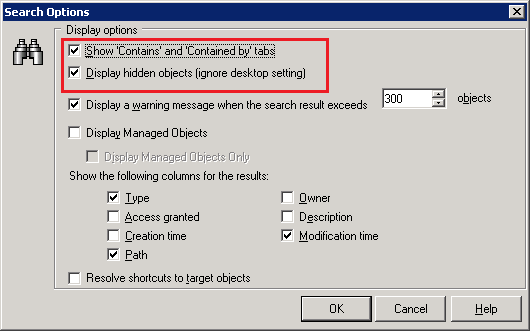
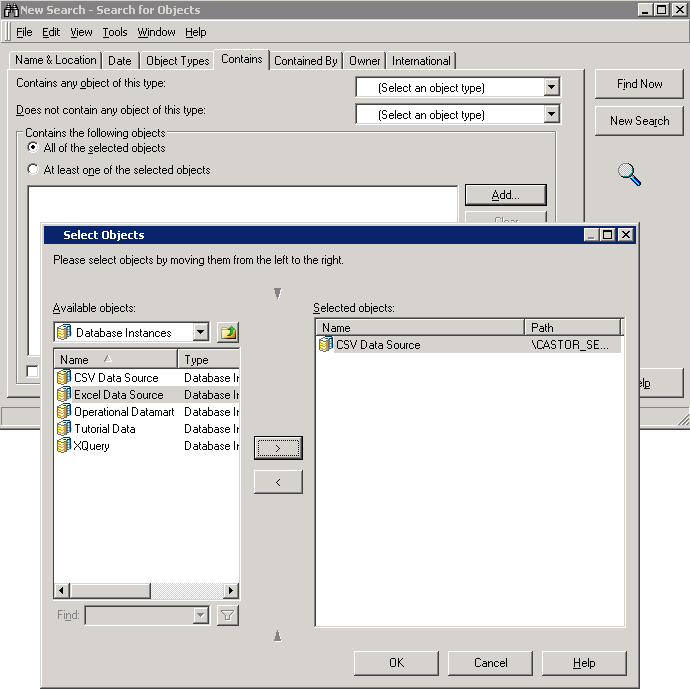
Strategy administrators might find that they are unable to uncheck a database instance from Project Configuration or delete it completely since it has dependent objects. In order to identify if any Freeform SQL/datamart/Query Builder reports within any projects are still using the database instance, a search can be setup within Strategy Developer 2021 as follows:
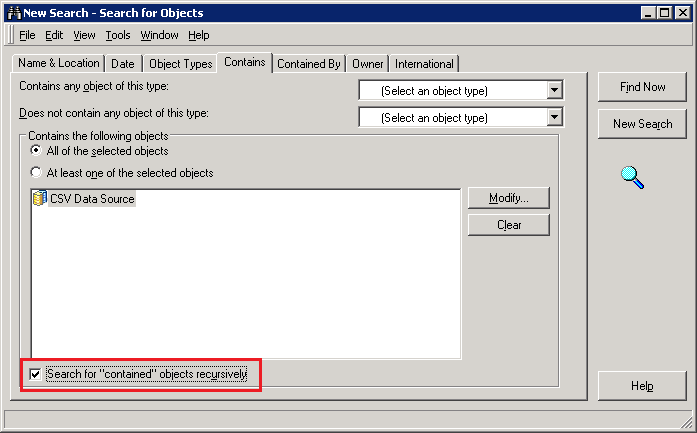
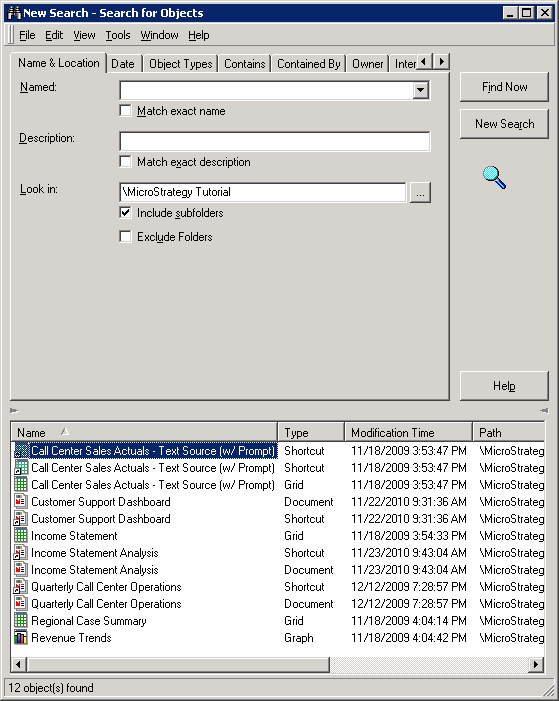
The dependency should be manually removed from all the reports listed in the above search by editing them from Strategy Developer. Once this is done, the database instance should be available to be unchecked from Project Configuration in Strategy Developer. In case it still cannot be unchecked, refer to the following Strategy Knowledge Base technical notes for more information:
KB18833: Cannot delete a database instance because it is dependent on server definition in MicroStrategy Desktop 9.2.x - 9.4.0
KB32686: Unable to delete Database Instance in MicroStrategy 9.2.x - 9.3.x after unchecking it in the Project Configuration Editor
