SYMPTOM:
The error below is shown when trying to go back within the Prompt Generation Wizard in Strategy Developer.
Please enter a valid object name
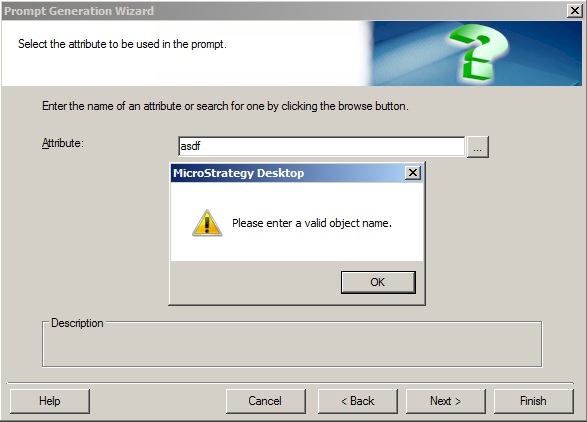
This happens when something is entered into a search field such as the attribute field in the example above that doesn't line up with an object in the metadata. Strategy does a quick search for the entered information and can't find a single object that lines up with it.
CAUSE:
This is a known issue with Strategy Developer 10.x.
ACTION:
Currently this issue is being reviewed by Strategy for a potential code fix on an upcoming Strategy release.
WORKAROUND:
The workaround is to not enter in information into the search field or delete information out of the field if going back within the Prompt Wizard.
