SYMPTOM:
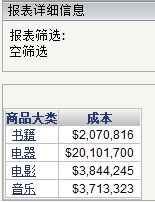
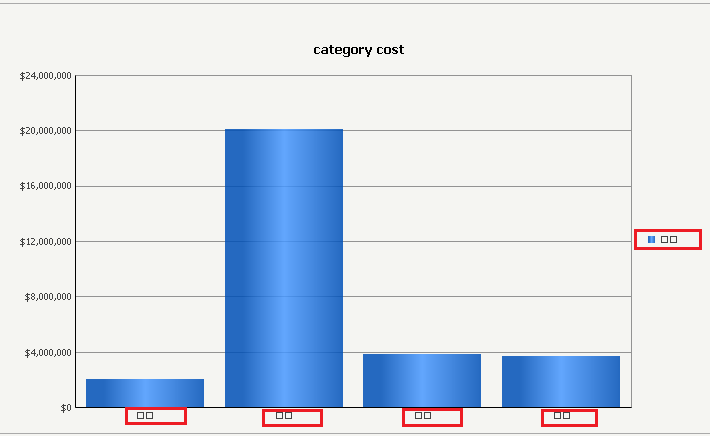
Double-byte characters display as broken characters in graph view of reports in Strategy web 9.4.1 and above. The grid view of the same report, however, does not have the same issue.
STEPS TO REPRODUCE:
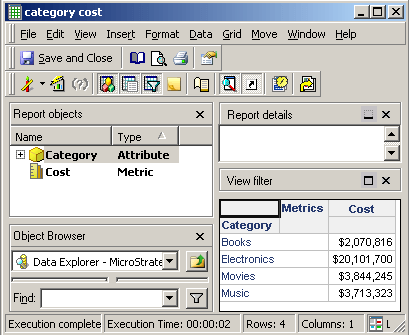
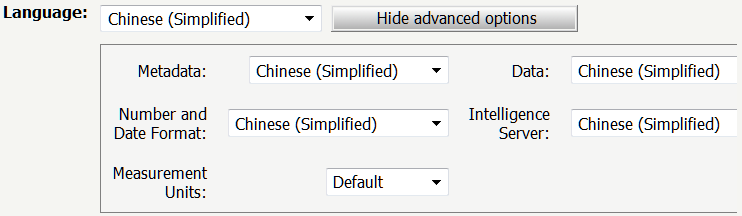
Follow the steps below to reproduce the behavior in the Strategy Tutorial project:
CAUSE:
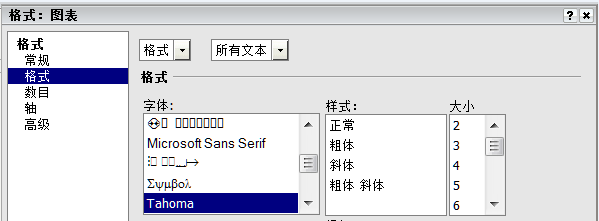
This is the behavior per design in Strategy. The default font is "Tahoma", which does not support double-byte character code, as shown below:
ACTION:
For individual report, user coluld manually modify the font to those which supports Chinese/Japanese or corresponding languages.
But User might want to change the default font so they don't need to modify report one by one.
As a solution, use "Find and replace" function as stated in KB37794 and choose "Apply to all reports and templates" in Step "2.Find":
https://community.Strategy.com/s/article/KB37794-How-to-replace-the-font-of-a-graph-report-using-the-quot
KB39705
