EducationSoftwareStrategy.com
StrategyCommunity

Knowledge Base

Product

Community

Knowledge Base

TopicsBrowse ArticlesDeveloper Zone

Product

Download SoftwareProduct DocumentationSecurity Hub

Education

Tutorial VideosSolution GalleryEducation courses

Community

GuidelinesGrandmastersEvents
x_social-icon_white.svglinkedin_social-icon_white.svg
Strategy logoCommunity

© Strategy Inc. All Rights Reserved.

LegalTerms of UsePrivacy Policy
  1. Home
  2. Topics

KB39747: "Internet Explorer cannot display the webpage" error message appears when clicking the history list message link sent to email using Distribution Services


Community Admin

• Strategy


"Internet Explorer cannot display the webpage" error message appears when clicking the history list message link sent to email using Distribution Services

SYMPTOM:
When clicking on the History Link sent using a Distribution Services subscription the following error is seen:
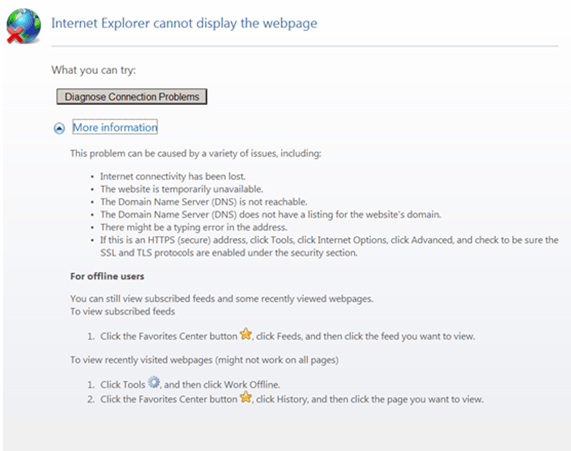
ka04W000000ObOTQA0_0EM4400000029mo.png

 
The History List messages are accessible in Strategy Web and Desktop.
 
CAUSE:
The URL that is being generated by the Distribution Services subscription has become invalid.
 
ACTION:
In Strategy Developer from the Document and Reports heading within the Project Configuration settings; under the Web Server heading, provide a valid link to the Web Server that will be used in link to history list for email subscriptions:
 

ka04W000000ObOTQA0_0EM4400000029mv.png

Comment

0 comments

Details

Knowledge Article

Published:

June 4, 2017

Last Updated:

June 4, 2017