SYMPTOM:
In Strategy Web 9.2.1, the following error appears when HTTPS is configured with Liferay portlet:
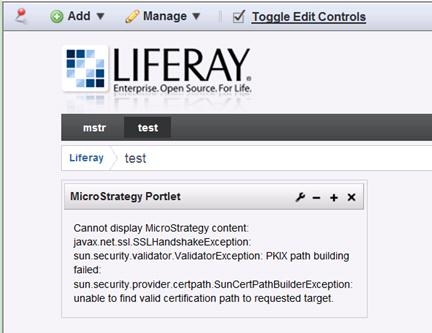
Sample Code/Error
Cannot display Strategy content: javax.net.ssl.SSLHandshakeException:
Sun.security.validator.ValidatorException: PKIX path building failed:
sun.security.provider.certpath.SunCertPathBuilderException:
Unable to find valid certification path to requested target.
CAUSE:
Strategy Web SSL certification fails with Liferay’s JVM.
ACTION:
Refer to the following link, add the certification file to Liferay’s JVM's trust store:
http://stackoverflow.com/questions/6659360/how-to-solve-javax-net-ssl-sslhandshakeexception-error
Third Party Software Installation:
The third-party product(s) discussed in this technical note is manufactured by vendors independent of Strategy. Strategy makes no warranty, express, implied or otherwise, regarding this product, including its performance or reliability.
