SYMPTOM:
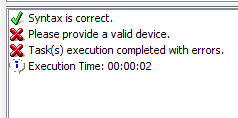
A user runs a Command Manager script to add an address to a user. When running the script, they receive an error, "please provide a valid physical address". However, the physical address is correct.
CAUSE:
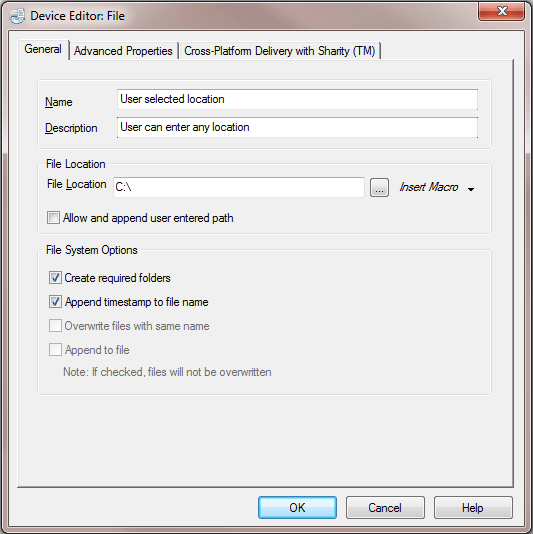
The option for “Allow and append user entered path" must be checked for the ADD ADDRESS script to work when the delivery type is a file device.
ACTION:
Check the option for "Allow and append user entered path" and the error will go away.
