When migrating objects in Strategy Object Manager 9.x, if the objects exists differently in the destination, the default action in the Conflict Resolution window is "Use Existing":
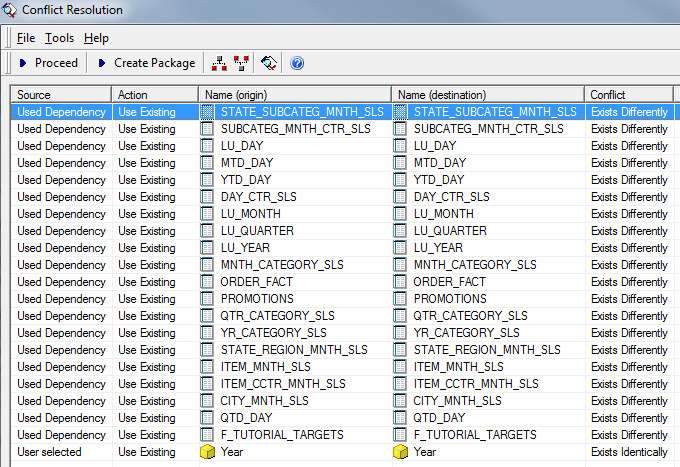
If users want to change the action from "Use Existing" to "Replace" for all objects in the Conflict Resolution window, it is lot of work when there are many objects needs to be migrated. Sometimes users may have the requirement to change the default action in Conflict Resolution window from "Use Existing" to "Replace" (or other actions).
In such cases, users can go to Tools > Object Manager preferences > Conflict Resolution > Default Object Actions to change the default action from "Use Existing" to "Replace" (or other actions) for the object type needed:

Then the default action in the Conflict Resolution window has been changed accordingly:

