SYMPTOM:
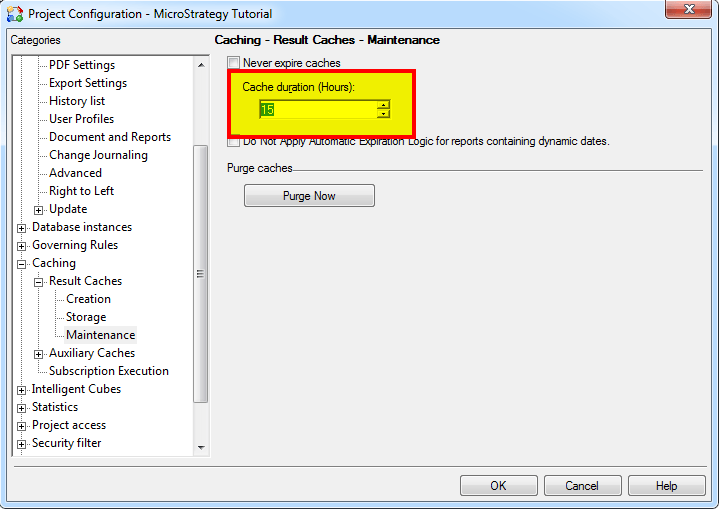
After changing the Cache Duration (Hours) setting found in Project Configuration>Caching>Result Caches>Maintenance, the caches do not purge in the time frame selected.
CAUSE:
When a cache is created or updated, the expiration date is based on the cache lifetime setting and persisted in the cache information storage. This means that changing the Cache duration (Hours) setting or the Never Expire Caches setting does not affect the expiration date of the already existing caches. It only affects the new caches that are being created or that will be processed in the future.
ACTION:
The user needs to manually purge the cache on existing caches before these settings will take effect. This can be done by clicking 'Purge Now' in Project Configuration>Caching>Result Caches>Maintenance.
