SYMPTOM:
When opening the Strategy Diagnostics and Performance Logging tool on a Windows 7 64-bit machine users receive the following error:
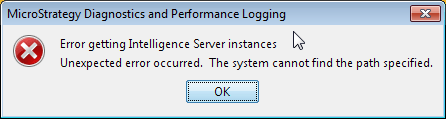
Error getting Intelligence Server instances Unexpected error occurred. The system cannot find the path specified
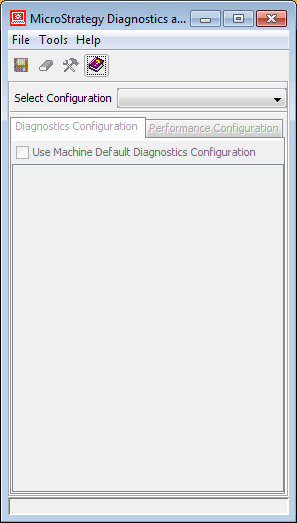
After clicking OK the Diagnostics tool window opens but it shows blank information.
CAUSE:
The windows account being used does not have permission to access the server status.
ACTION:
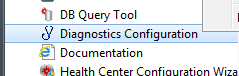
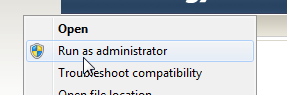
Go into Start > Programs > Strategy > Tools > Diagnostics and Configuration tool. Right click and select “Run as administrator”. The window opens correctly.