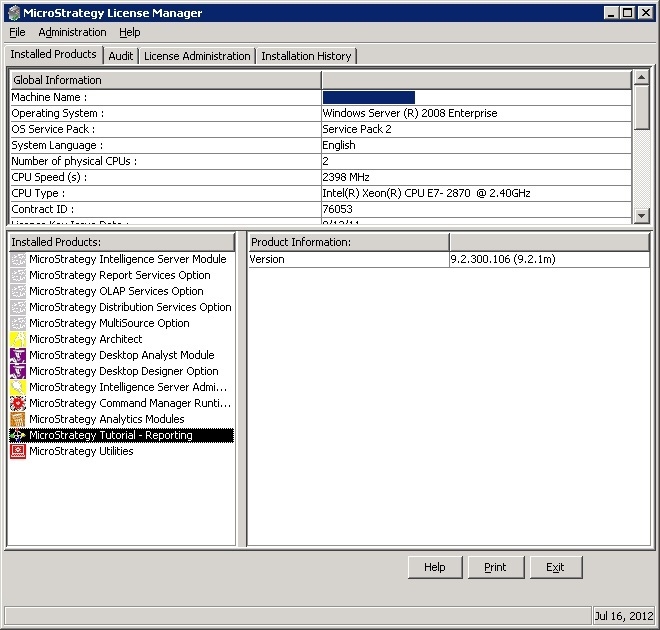
This information is easily found in the Strategy License Manager in the machine where the product is installed.
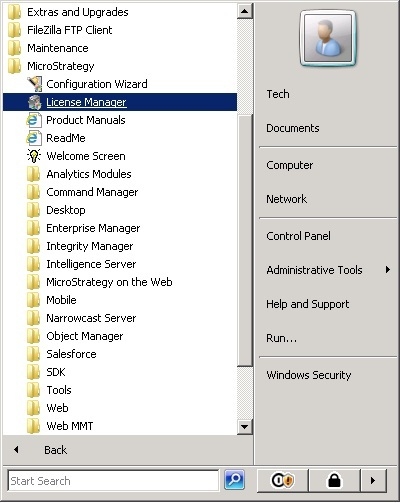
To open the Strategy License Manager in Windows on a typical installation go to START > All Programs > Strategy > License Manager. An example of the Strategy 9Universal Edition running on Windows Server 64 bits Enterprise Edition:
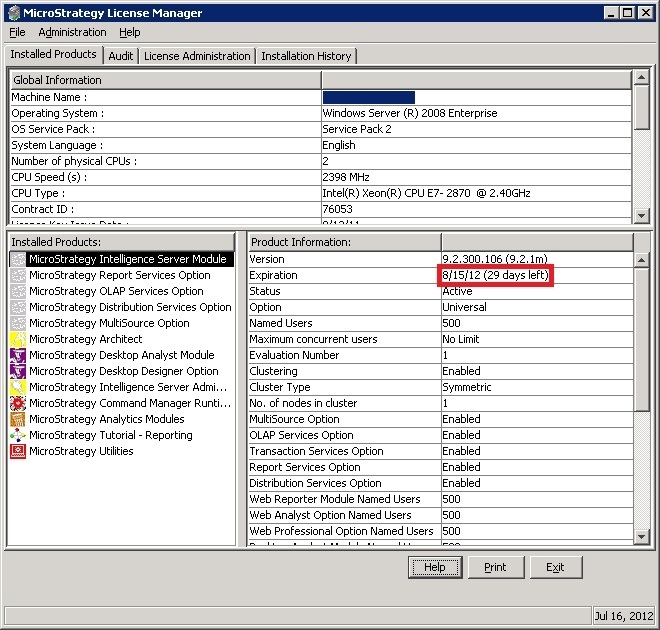
Go to the tab Installed Products and select the product under the subsection Installed Products. As shown, in the subsection Product Information, the expiration field shows the expiration date, in this case the Strategy Intelligence Server Module:
If there is no expiration date for the product, so the expiration field comes as “not applicable” or does not appear, as shown: