Summary: How to use a count metric to filter out attributes inside of a report.
Steps to reproduce:
1. Create a report with Brand and Item on the grid.
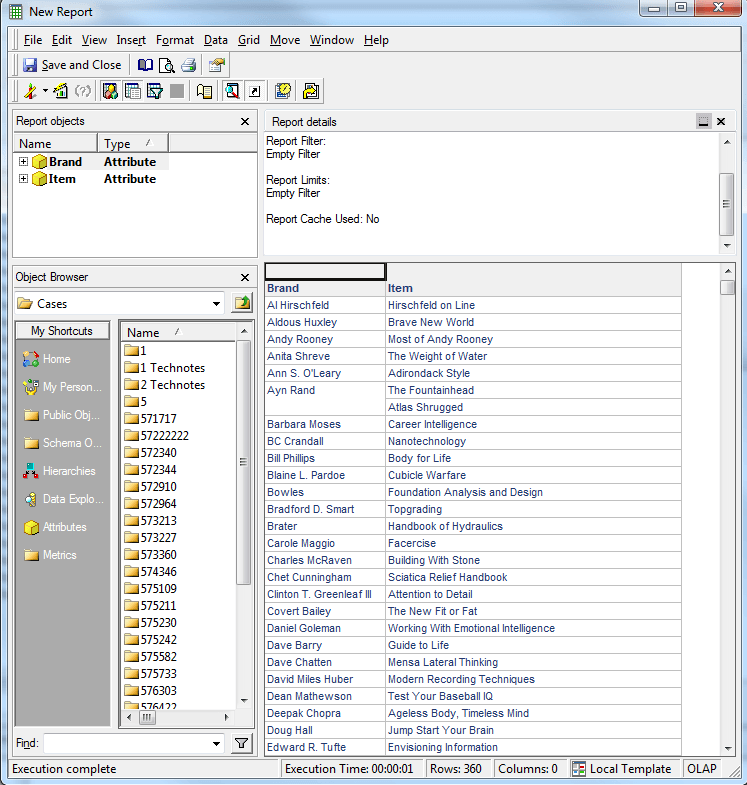
2. Create a count metric that counts the Items and has a level (dimensionality) of brand and no report level.

3. Add metric to the Report Filter, and define the metric value as Exactly with a Value of 2.
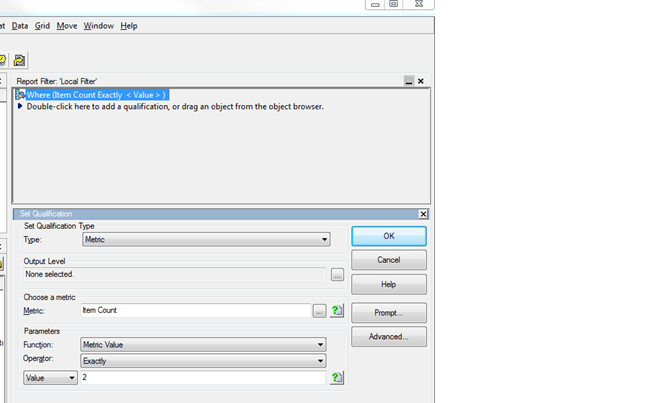
4. When the report is run, only the Brands with two Items will be returned.

