Dynamic sourcing report sometimes generates 'null value checking' statement in report SQL. This sometimes forces the query to omit some result rows which are expected to appear by users.
Follow the steps below to reproduce this in Tutorial project:


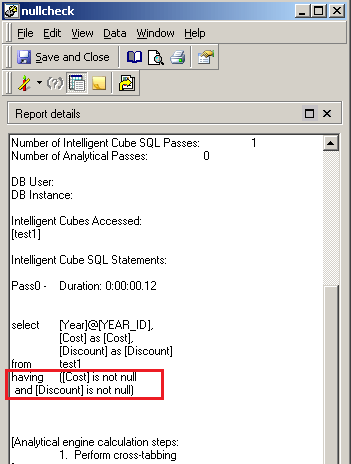
In grid view, go to DATA tab -> Report Data Options -> metric join type -> change the join type to Outer to display the rows with one of the metric to be Null value, as shown below:

After the change, the having clause is still there but the operator is changed from "AND" to "OR". This can meet some user's requirement, as shown below:

