When installing Strategy Intelligence Server Universal in Unix environment, user needs to specify the path for Home, Install and Log directory as below:
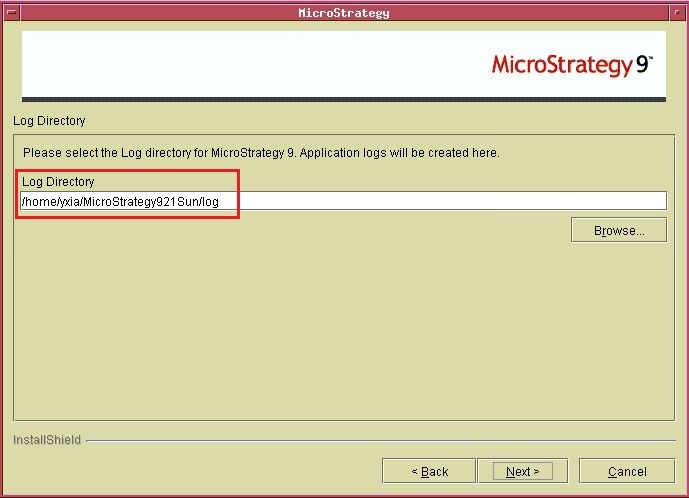
As default, the Install and Log folders are under Home folder.
After installation, user may need to check those folder path to locate specific files. For example, the install.log file is under Install folder; the DSSError.log file is under Log folder and so on. In this case, user could check the Principal.sh file under /env. This file sets up Strategy application path and environment variable as below:
Sample Code/Error
arbor:yxia/Strategy921Sun/env>more Principal.sh
#
# define principal variables
#
MSTR_ADMIN_USER=yxia
MSTR_USER_GROUP=techcc2
MSTR_INSTALL_PATH="/home/yxia/Strategy921Sun/install"
MSTR_HOME_PATH="/home/yxia/Strategy921Sun"
MSTR_LOG_PATH="/home/yxia/Strategy921Sun/log"
MSTR_ISERVER_INSTALL_PATH="/home/yxia/Strategy921Sun/install/IntelligenceServer"
MSTR_ISERVER_HOME_PATH="/home/yxia/Strategy921Sun/IntelligenceServer"
MSTR_ISERVER_LOG_PATH="/home/yxia/Strategy921Sun/log/IntelligenceServer"
#
...
From the above Pricipal.sh file, it is clear to know the Home, Install and Log folder path for this installation.
