This technical note explains how to convert a prompted report that was saved as static back to a prompted report in Strategy 9.x and 10.x.
Follow the steps below using the Strategy Tutorial Project in order to create a prompted report then save it as static:
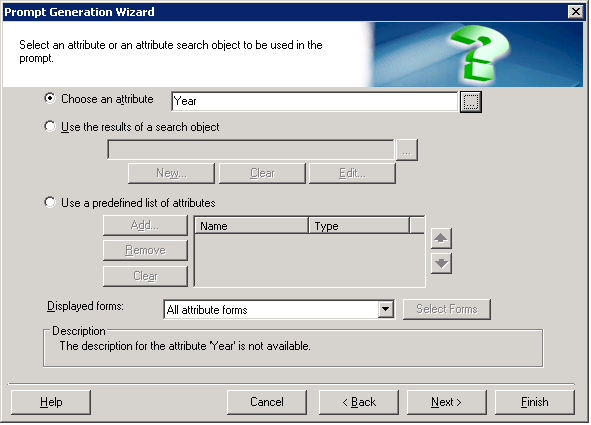
1. Create a Prompt of type Quality an attribute base on the attribute Year:
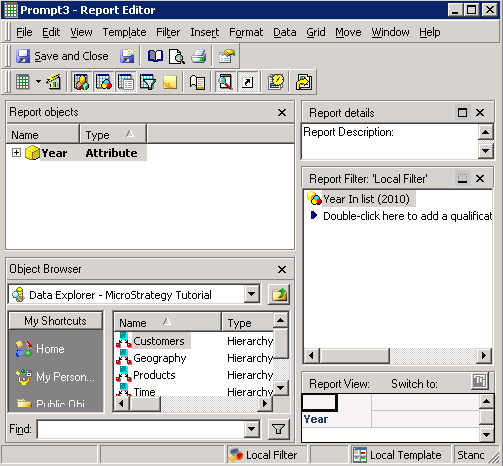
2. Create a new report adding the attribute Year to rows and the newly created prompt to the local Report Filter area:
3. Execute the report and save selecting the option Static:
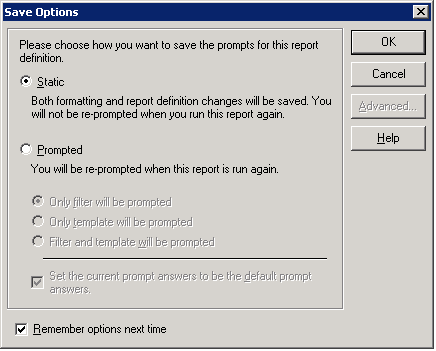
Save
5. Execute the report again to confirm that it was saved as static.
There are two options to convert the report back to a prompted report.
First option:
Second option:
1. Open the static report in Design View mode.
2. Edit the report filter.
3. Click on the Prompt button:
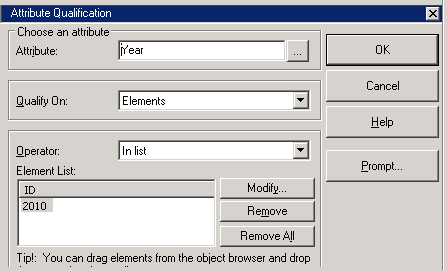
4. Click on Next until the Select default prompt answer(s) option:
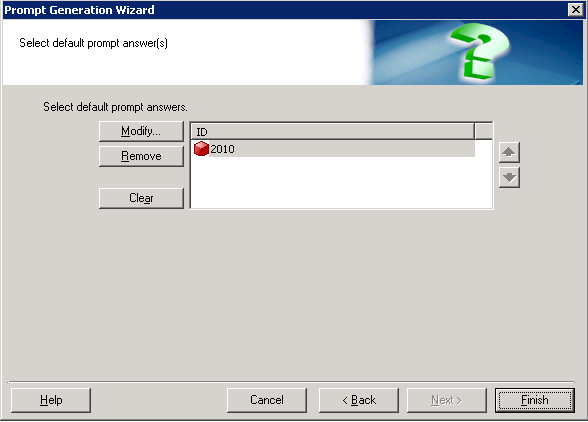
5. Click on Clear to remove the prompt answers.
6. Click on Finish and OK.
7. Execute the report to see the prompt again.
