SYMPTOM:
After connecting from Strategy Developer to a remote Intelligence Server hosted in Linux, the following error is thrown after selecting "Start Server" in Strategy Developer Administration menu as shown below:
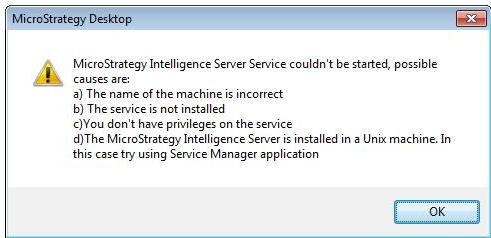
Error message: Strategy Intelligence server could not started. The possible causes are: a) The computer's name is wrong b) The service is not installed c) You don't have the authorization for the service. d) The server is installed in a Unix Computer. In this case, please try to use the Service manager.
CAUSE:
This is a known issue in Strategy 9.x.
ACTION:
Strategy will continue to investigate and post updates as soon as they are available.
WORKAROUND:
The Intelligence Server can be started using Strategy Service manager.
The Strategy Internal Reference Number for the issue discussed in this knowledge base article is 466400.
