SYMPTOM:
In Strategy Web, when exporting a report, the format 'Excel with Plain Text' is an available option, as shown below:
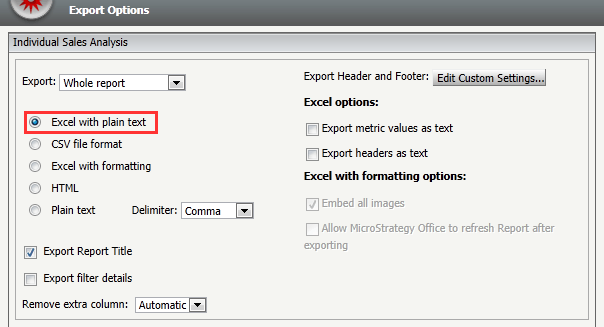
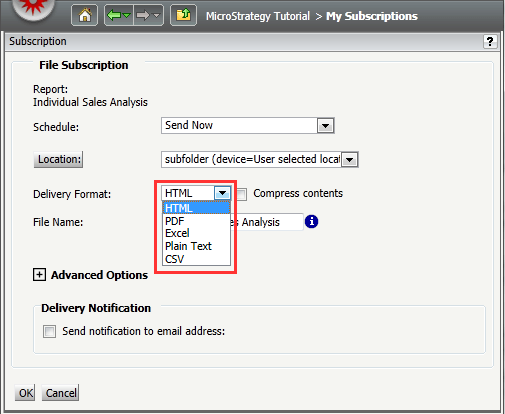
However, while using Distribution Services to create a file subscription in Strategy Web, the 'Excel with Plain Text' option is not available as a delivery format option, as shown below:
CAUSE:
This is a known limitation in Strategy Distribution Services 9.x, 10.x, 11.0, and 2019.
ACTION:
Strategy will continue to investigate and post updates as soon as they are available.
WORKAROUND:
Use CSV as the delivery format for the file subscription in Strategy Distribution Services. By exporting to CSV, the selected delimiter can be used as solution to import the data into Excel using the Text Import Wizard of Excel. Please follow the technical note below, as it explains how to properly import CSV files to Microsoft Excel.
KB14405 - In Strategy Web 9.x, exporting to CSV puts all data in one cell when opened in Excel.
