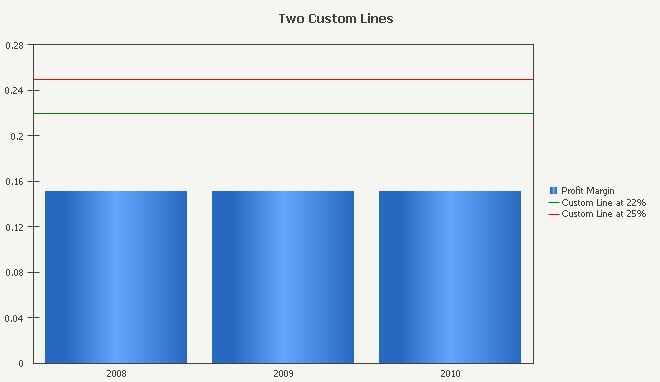
In some business scenarios, it is required to add two or more than two custom lines into a graph. However, in Graph Preferences -> Axes -> Y, only one custom line is allowed by design, as shown below:
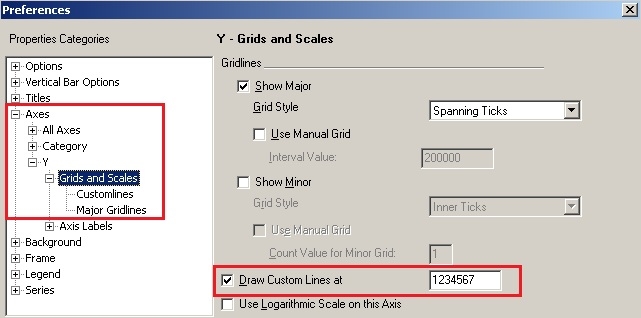
NOTE: Max value of Custom Line is 9,999,999 - it only supports value within 7 digits.
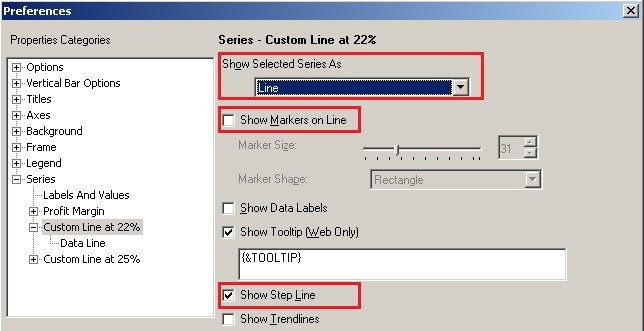
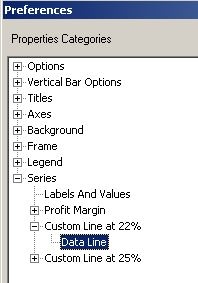
The following precedure offers a workaround to add more than one custom lines into a graph using Strategy Tutorial. In the workaround, Vertical Bar graph type and two expected custom lines with constant values of 22% and 25% are used as the example.

NOTE: The final graph displays as expected with two constant value custom lines, as shown below: