SYMPTOM:
When using the URL API notation "promptAnswerMode=2" to leave a value prompt empty and in turn prevent the user from being prompted, in Strategy Mobile 9.3.0, the user is still prompted.
However, in Strategy Web 9.3.0, the prompt is left empty, as expected.
STEPS TO REPRODUCE:
1. Create a report A with value prompt "qualify on Year"
2. Create a document B using the report A as a dataset
3. Create a document C and add a link to report A and document B:
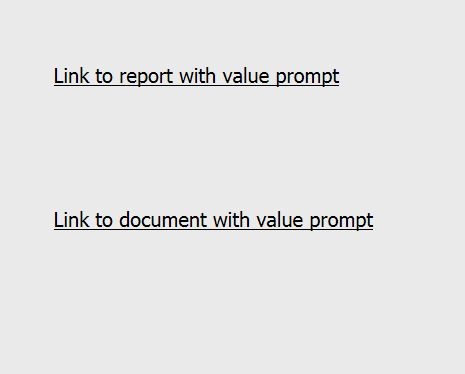
4. Execute the document C in Strategy Web and confirm that the link opens as expected, with the value prompt set to "none"
5. Execute the document C in Strategy Mobile. The filter panel prompts will show a blank screen. Thereafter, click "Apply" and the default prompt answer will be passed (not the empty prompt answer)


CAUSE:
This is a known issue with Strategy Mobile 9.3.0.
ACTION:
This issue has been addressed in Strategy 9.3.1. Upgrade to take advantage of this fix.
WORKAROUND:
Cancel the prompt, and click on the link again will lead the user straight to the document, leaving the value prompt empty.
