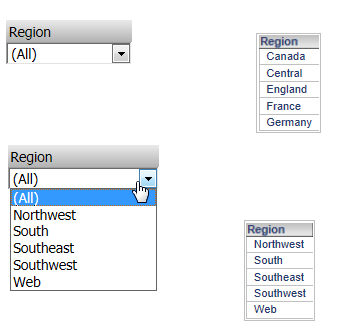
1. Create report1 with region attribute on it.
2. Apply an attribute element filter in list "Canada, Central, England, France, Germany"
3. Create report2 with same region attribute on it with attribute element filter in list "northwest, south, southeast, southwest, web"
4. Create a document with both report1 and report2
5. Create two grids (grid1 and grid2) both with region attribute on it.
6. Create two drop down selectors (selector1 and selector2) and drag region attributes on both of them.
7. The selector will show all attribute elements from the attribute region. This will also be the case even if you did not put report2 onto the document.
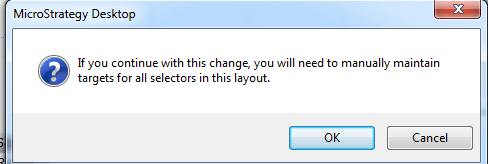
8. Right mouse click selector1 and choose "select target". The user will be prompted with this message. Click OK.
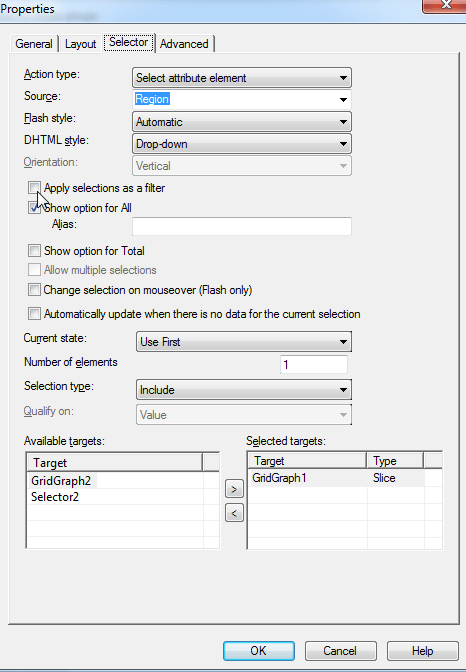
9. Select only grid1. Or right mouse click->properties->selector and make sure that only grid1 is in the selected target resion. Also make sure to uncheck "apply selection as a filter".
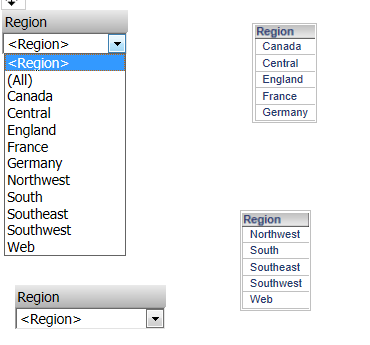
10. Selector1 only contains the elements from grid1/report1.
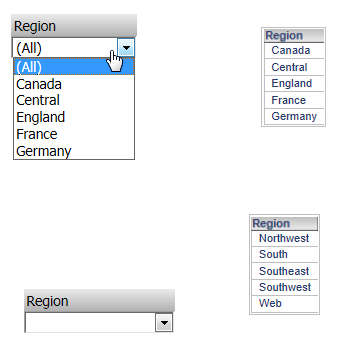
11. Now do the same for selector 2.
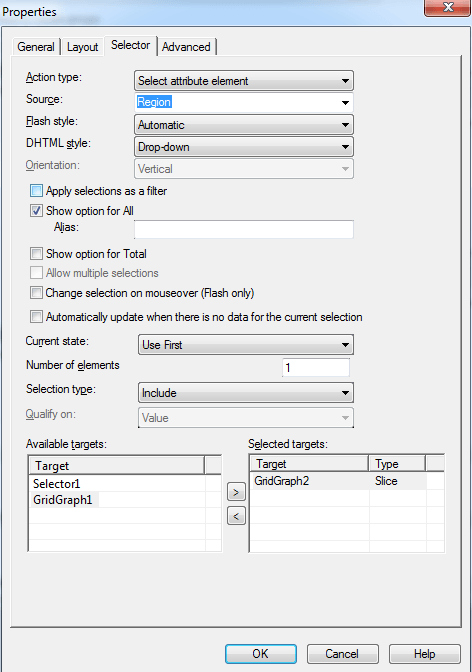
12. Selector2 now only contains the elements from grid2/report2.