Object prompts can be created using comparison operators. Perform the following steps to achieve this:
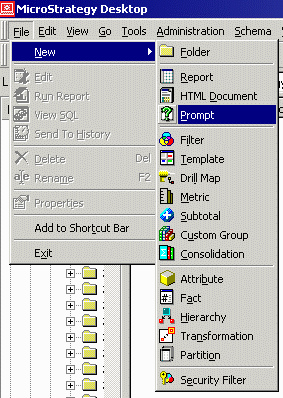
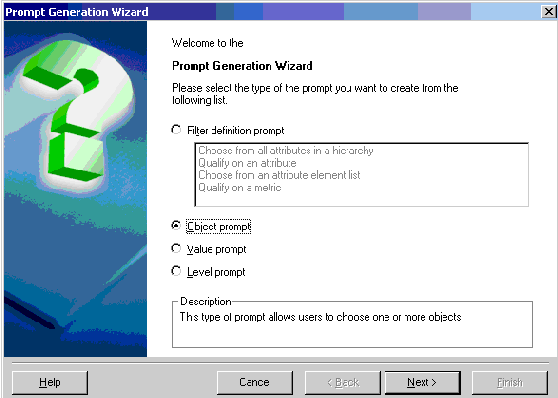
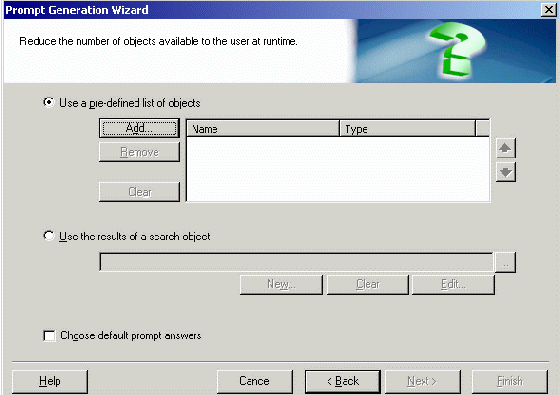
Comparison operator prompts can be used in ApplySimple functions with Case statements using the metric, (@nameofprompt(M1, M2)). The following steps demonstrate how to use the comparison operator prompt in an ApplySimple function with a Case statement.
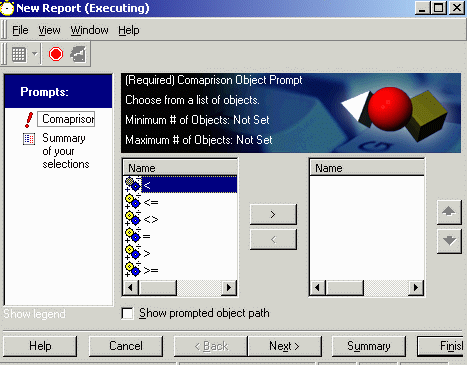
The report displays the result according to the comparison operator that the user selected:
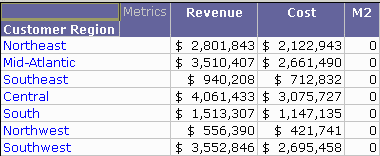
This example is the result with comparison operator, '<'. In every row, Revenue is greater than Cost, so the statement 'Revenue < Cost' is false. Therefore, M2 shows 0 for all rows.
KB419483
