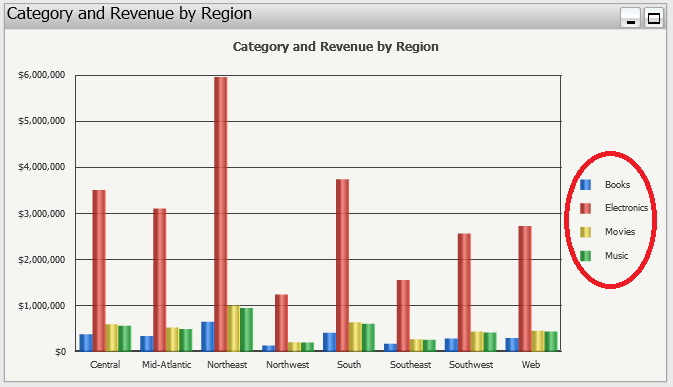
SYMPTOM:
In Strategy Web, when a graph is created with 2 attributes, one in the rows and one in the columns, and only one metric, the graph’s legend will display the name of the metric, as shown below.
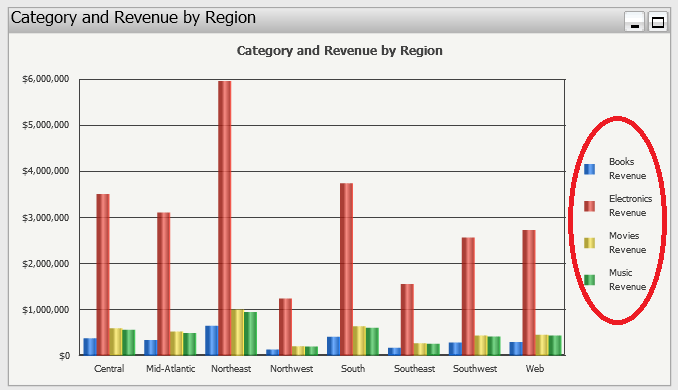
CAUSE:
For each crosstab attribute element combination there can be more than 1 metric. It becomes necessary to identify the metric in the legend. However, This is irrelevant when only 1 metric exists.
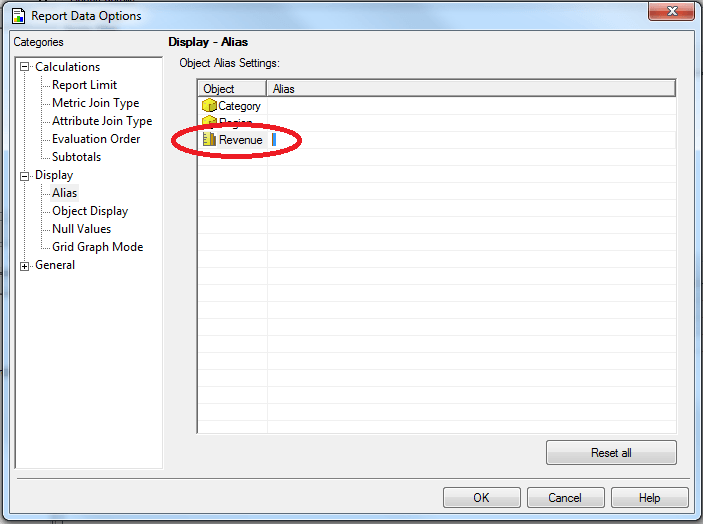
A commonly used workaround is to give the metric an Object Alias and have that alias be a blank space, as shown below.
As a limitation to this workaround, the legend will be out of alignment when viewing the chart in Flash Mode, as shown below.
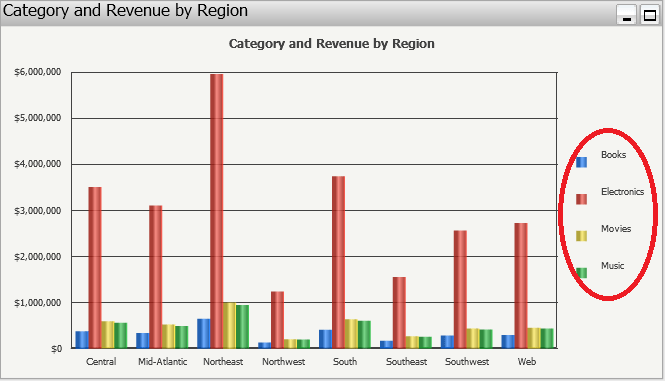
ACTION:
The correct way to remove the metric name in the legend of a graph, is to right click on the graph, select Graph options, and turn on “Suppress last level label”. This should be performed through Strategy Developer, as shown below.
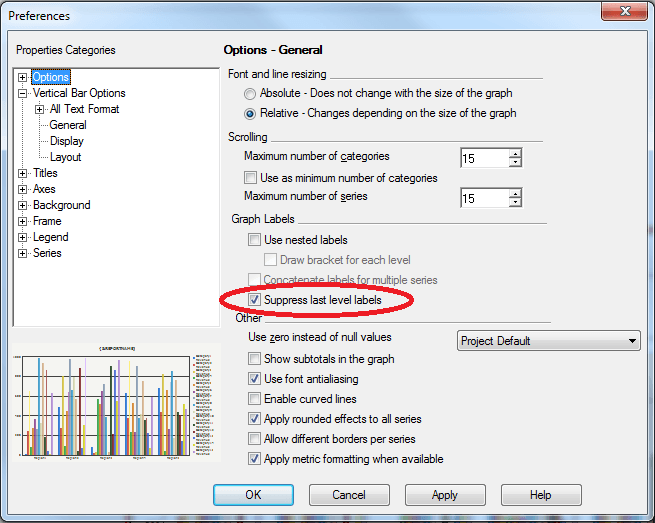
Now the legend is displayed properly.