SYMPTOM:
When setting up R-integration with Strategy 9.x and trying to use the deployR utility to create metric expressions, the user might encounter a "cannot open the connection" error message when trying to persist their signature to the R-script as shown below.

The user also encounters the same error when trying to save the script after previewing the script as shown below.

CAUSE:
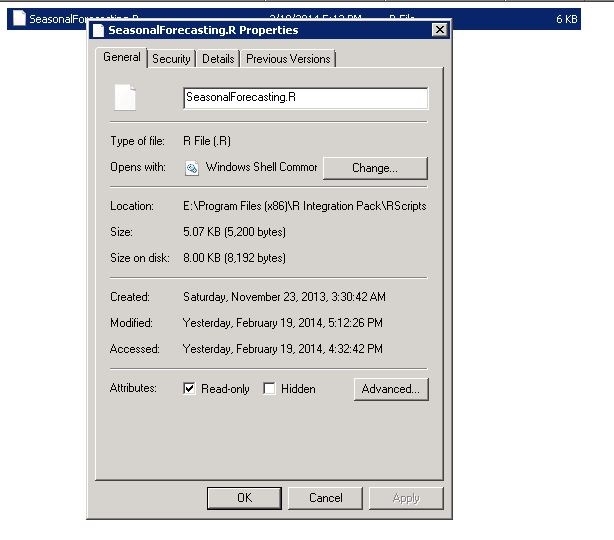
This save/connection issue is likely caused by a permissions issue as the R-script does not have write privileges and thus is unable to be saved when the user tries to persist their signature in deployR. The default scripts that come with R are installed only with the "Read only" flag and therefore will need write permissions enabled before the user can continue with R-integration. This can be seen by checking the permissions of one of the default scripts, "SeasonalForecasting.R", that comes with the R tutorial, as shown below.
ACTION:
Disable the "Read only" flag for the R-script being used for R-integration and the user will make sure that the R-script also has write privileges for the location where it is being saved.
KB422025
