SYMPTOM:
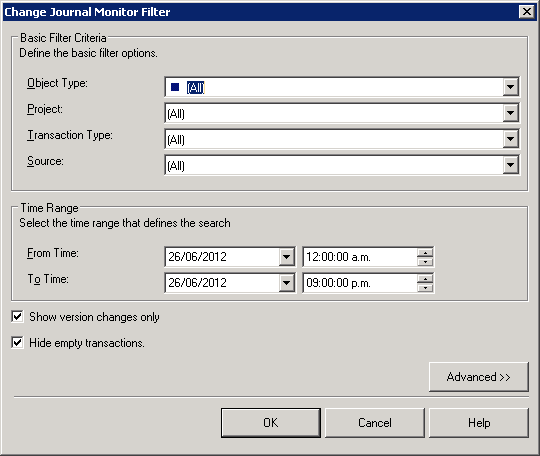
The Change Journal feature is enabled for all projects as shown below but it doesn’t log any Administration changes such as user or user group changes.
CAUSE:
The Change Journal needs to be enabled at the Intelligence Server configuration level.
ACTION:
1. In a 3-tier Project Source, in this case Strategy Analytics Module. Right click and select Configure Strategy Intelligence Server
2. Inside Server Definition->Change Journaling, make sure that the “Enable change journaling” option is enabled.

After that to perform a test:
1. In Strategy Tutorial project, create new user group 'Test Group' and user 'Test User'.
2. All the transactions about user and user group activity are successfully logged as shown in the screenshots below:

KB42327
