SYMPTOM:
A user creates a report with attributes and an object prompt where the user chooses from a list of metrics. If the user runs the report and chooses certain metrics in the prompt, the user can create aliases for these metrics on the report. If the user re-run the report with the same metrics, the aliases for the metrics are still there. However, if the user add or remove one of the metrics from the prompt answer, the aliases for the metrics will be removed.
STEPS TO REPRODUCE:
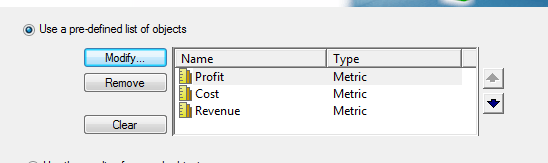
1. Create a new object prompt. Add the metrics Profit, Cost, and Revenue to the list of predefined objects in the object prompt. Save the Object Prompt.
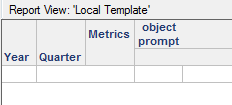
2. Create a new report. Add the year and month attributes and the object prompt to the report.
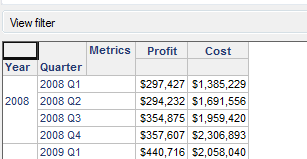
3. Run the report. Select the Profit and Cost metrics in the object prompt
4. Select Data > Report Data Options
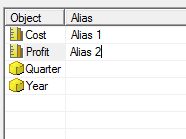
5. In the Report Data Options window, Select Display > Alias. Create an Alias for the Cost and Profit Metrics.
6. Save the report. Select Prompted and check the box for "Set the current prompt answers to be the default prompt answers."
7. Close the Report.
8. Re-run the report and keep the default prompt answer.
9. If the report is run with the default prompt answers, the metrics will keep their aliases.
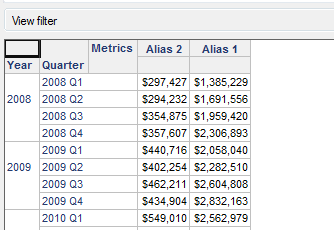
10. Close the report
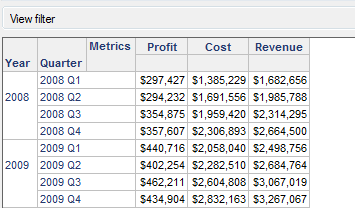
11. Re-run the report and add the Revenue Metric in the prompt answer.
12. The metric aliases for Cost and Profit are no longer there.
CAUSE:
This is working as designed. The user can only create aliases for objects on a report. When using an object prompt, the metric objects are not on the report until the report is prompted.
