SYMPTOM:
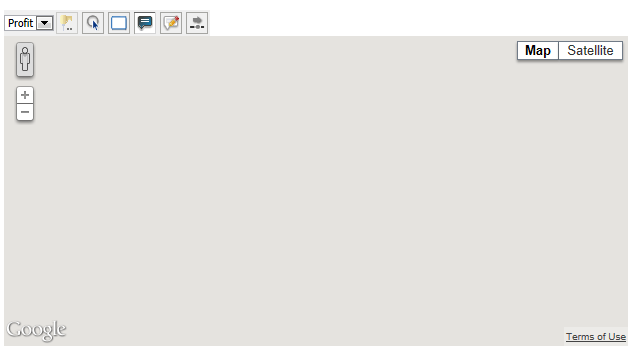
Non-English users observe an issue with the Google Maps visualization, where no map tiles are loaded while other control elements, such as zoom control are displayed correctly. Only languages with number formatting other than the "." as decimal separator that are set either in Web Preferences or browser as preferred language are affected by this behaviour.
The following screenshot shows the Google Maps widget as user with Spanish language preferences. In Web Preferences, Spanish has been selected as Date and Number formatting language.
1. Web preferences:

2. Maps Widget on document:
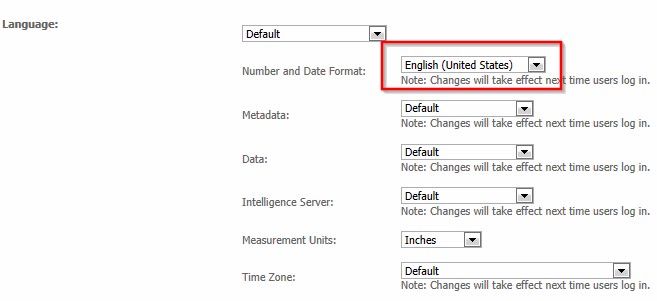
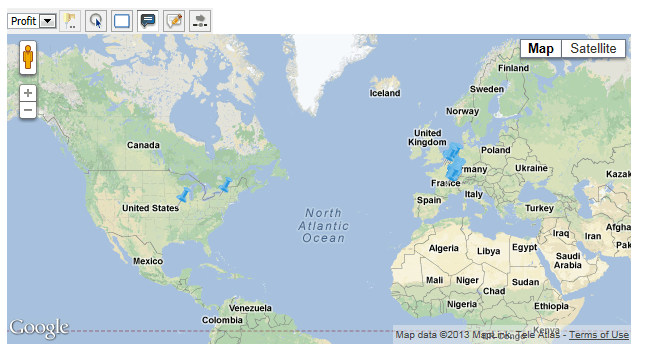
The following screenshot shows the Google Maps widget as user with English language preferences. Web preferences are set to English (US):
1. Web preferences:
2. Google Maps Widget on document:
CAUSE:
This issue only occurs when latitude and longitude values are stored as string / VarChar in the data warehouse and attribute forms are defined as text data type. In that case international date and number formatting is not applied to the latitude and longitude decimal values.
When sending the maps request sent to Google, the request includes regional specific parameters. Thus, Google expects the regional specific number formatting for latitude and longitude values. In the above example however, the Spanish user retrieves English formatted latitude values (e.g. 12.56578 instead of 12,56578) directly from the database. Google would expect latitude values with coma as decimal separator and thus fails to display the map.
ACTION:
There are two options to solve this issue:
