SYMPTOM:
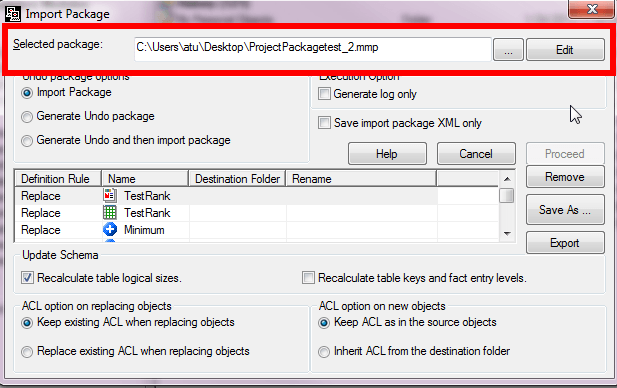
In Object Manager, when importing a package, the user has the option to edit the package.
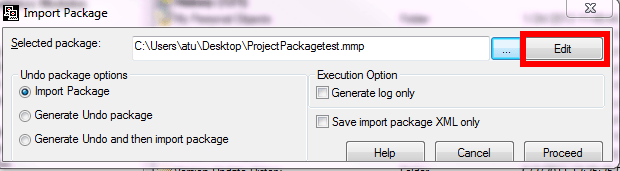
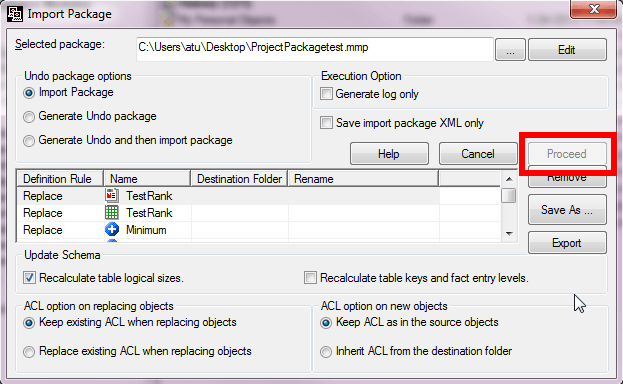
Upon clicking Edit, the user can choose to modify the definition rules, update schema options, ACL options for the package. They can also choose to remove objects from the package and change the object name in the destination project. However, once a change is made, the 'Proceed' button becomes greyed out.
CAUSE:
This is working as designed. In order to import the package with the changes that have been made, the package must be re-saved. Once the package has been saved, the new package will automatically be put into the 'Selected package:' field.