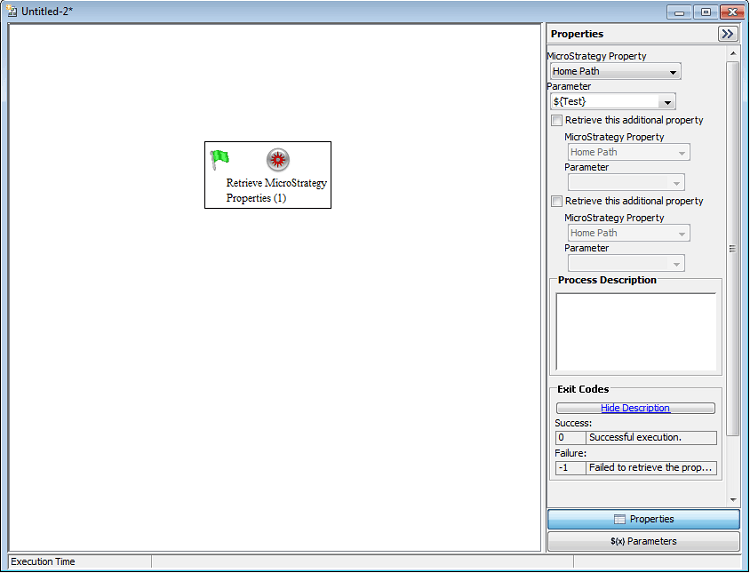
This technical note explains how to create a user-defined parameter in System Manager that will be used in defining the process Retrieve Strategy Properties.
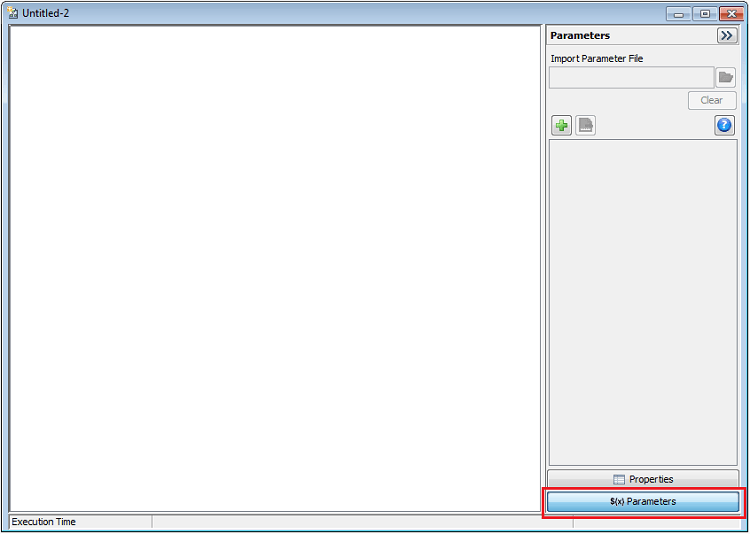
1. In the System Manager, in the Properties and Parameters session, click in the $(x) Parameters button.
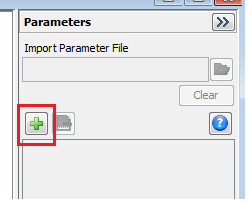
2. Add a new parameter.
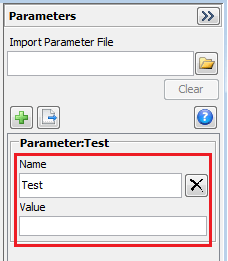
3. Type the parameter name and left blank value.
4. Insert the process Retrieve Strategy Properties.
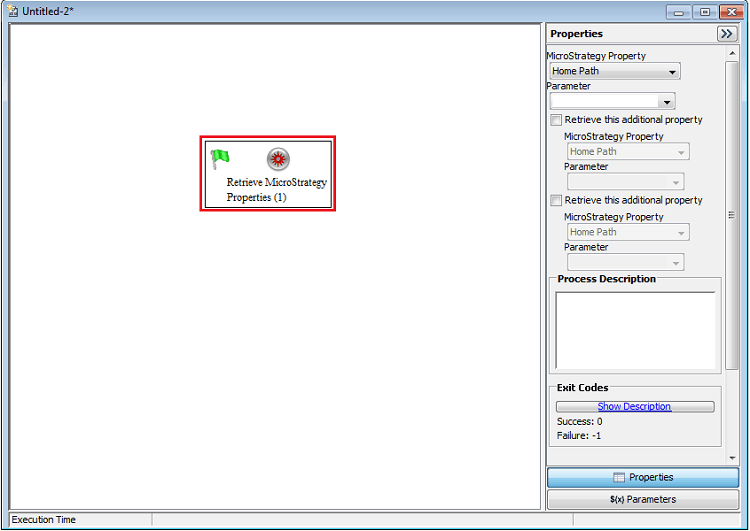
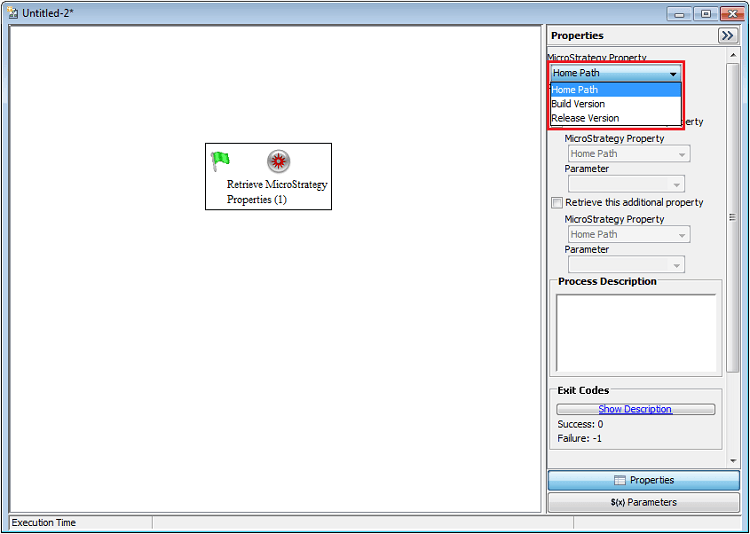
5. In Properties, select the desired Strategy Property, for example, Home Path.
6. In Parameter, select the parameter created.
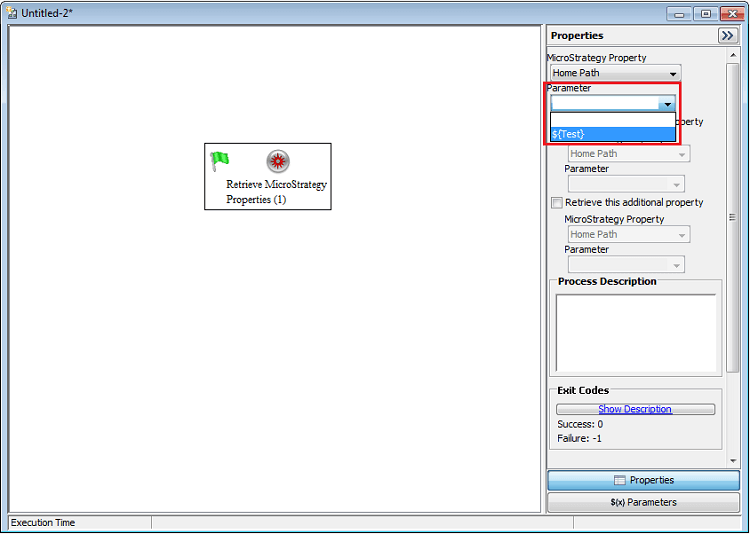
In this way, the parameter will receive the Strategy Property selected.