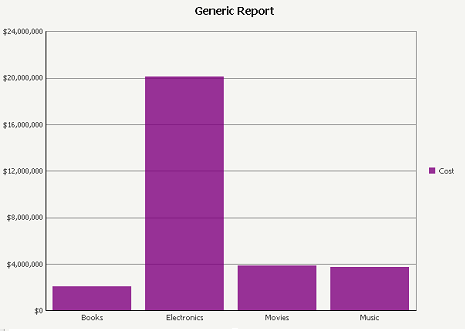
Bar risers in bar graphs in Strategy Web have a gradient effect by default, as shown in the image below.

One way to achieve this is by turning off the bevel effect in Strategy Desktop by following the steps provided in tech note KB30149. However, the appropriate way to hide the gradient effect in Strategy Web so that the bar risers show a solid color without turning off the bevel effect in Strategy Desktop is described below.
ACTION

To additionally turn off the bevel effect in Strategy Mobile, disable the option to 'Apply rounded effect to all series' by right clicking on the graph and navigating to Format Graph, under the General Tab and Maximum category, as shown in the image below.

