SYMPTOM:
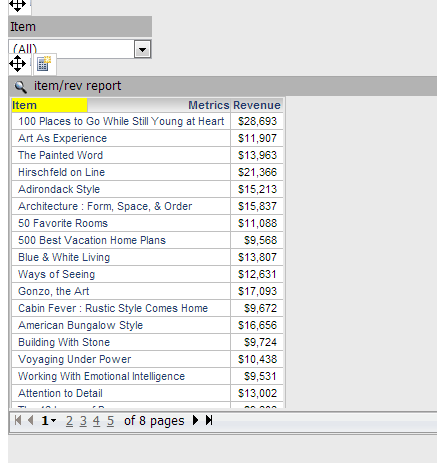
In Strategy Web 9.x and 10.x, after selecting an attribute on a grid used as a selector to target itself, and manipulating an element selector switching it to "All", changes the background color of the attribute header in the grid from its original color.
Original Color: Yellow
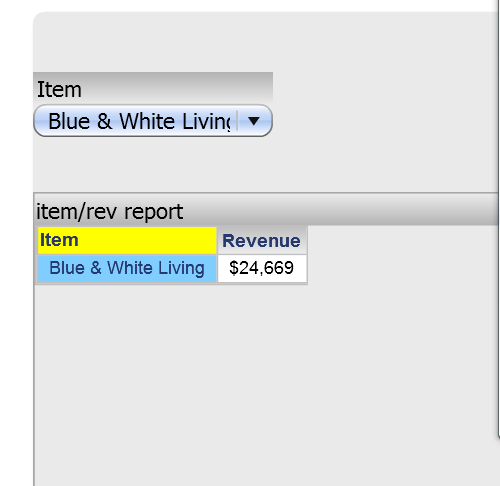
After manipulating the selector: Blue
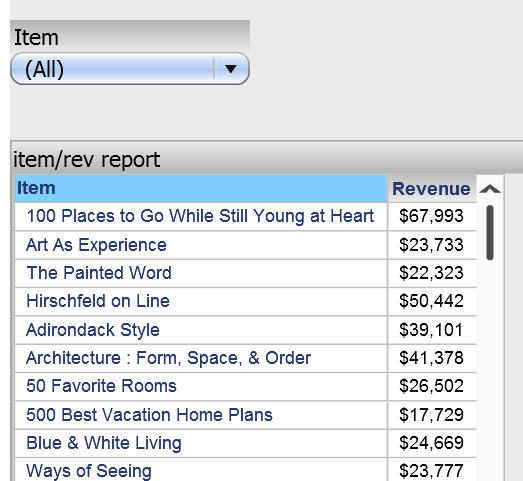
STEPS TO REPRODUCE:
CAUSE:
The 'All' option in a grid is it's attribute header cell. When a selector targets a grid with the 'All' option, the attribute header cell is the one being targeted. This issue occurs because the color of the selection highlight is overriding the color of the attribute header after it is set back to All.
ACTION:
Strategy will continue to investigate and post updates as soon as they are available.
WORKAROUND:
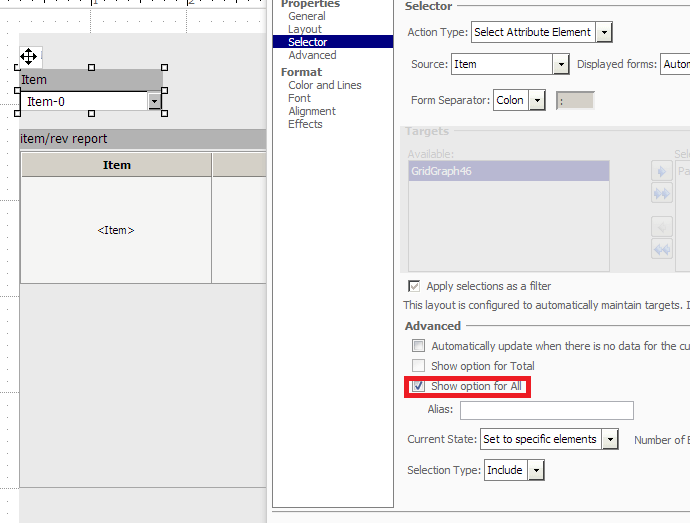
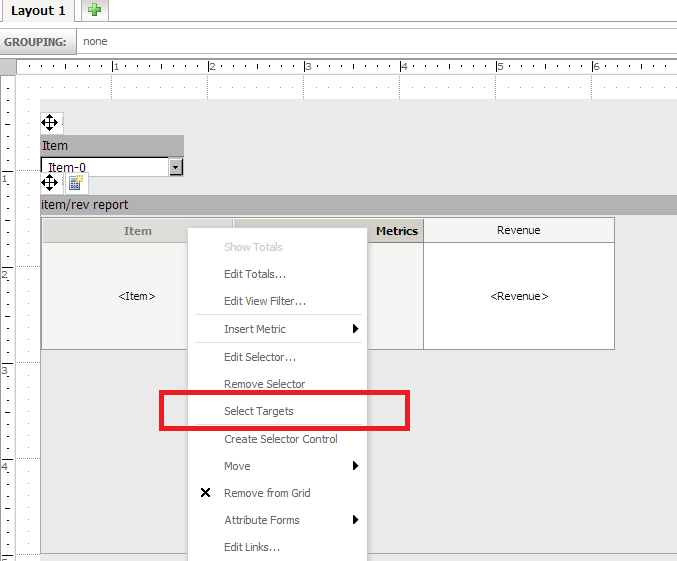
The following workaround exists for Flash mode.
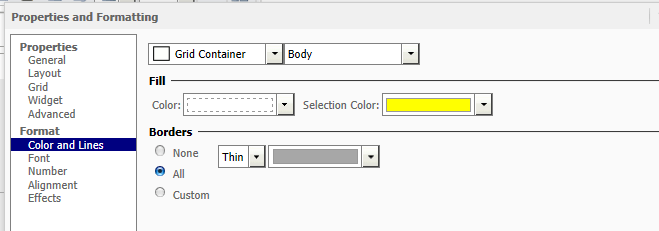
The background color of the attribute header will now stay the same color after "All" is selected from the selector.
Note: The issue will still exist in Presentation/Editable and Interactive Modes.
