SYMPTOM:
When an area graph is created in Strategy Developer 9.x with the default settings, there is extra whitespace on both sides of the graph, as shown below. This occurs because the endpoints of the graph stop at the center of the graph text labels.
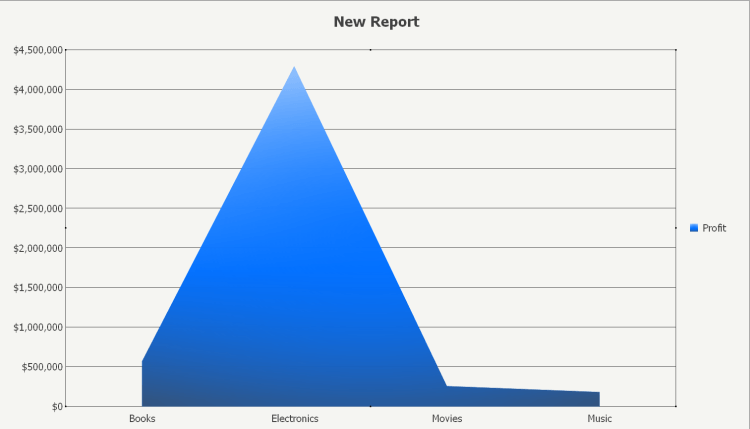
ACTION:
If a user desires the graph to be expanded in order to use up the remainder whitespace, the following setting can accomplish this: Graph > Graph Options > Axes > Category > Axis Labels > select "Value Axis Crosses Between Categories", as shown below.


