EducationSoftwareStrategy.com
StrategyCommunity

Knowledge Base

Product

Community

Knowledge Base

TopicsBrowse ArticlesDeveloper Zone

Product

Download SoftwareProduct DocumentationSecurity Hub

Education

Tutorial VideosSolution GalleryEducation courses

Community

GuidelinesGrandmastersEvents
x_social-icon_white.svglinkedin_social-icon_white.svg
Strategy logoCommunity

© Strategy Inc. All Rights Reserved.

LegalTerms of UsePrivacy Policy
  1. Home
  2. Topics

KB42532: How to configure the Tomcat root folder to be the MicroStrategy webapp in MicroStrategy Web Universal 9.x.


Community Admin

• Strategy


The Tomcat root folder can be configured to be the default to any application, this includes the MicroStrategy Web application. As shown below, if a user types in:

The Tomcat root folder can be configured to be the default to any application, this includes the Strategy Web application. As shown below, if a user types in:


http://<web_server_name>:<port>/
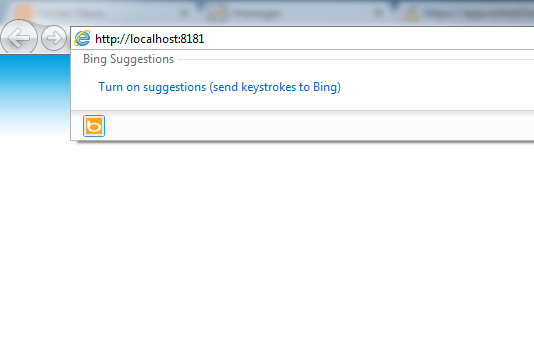
They will be immediately delivered to the application that was configured to be the Tomcat root without having to appending anything else to the URL.
 

ka04W000000OdLqQAK_0EM440000002Gck.png

 
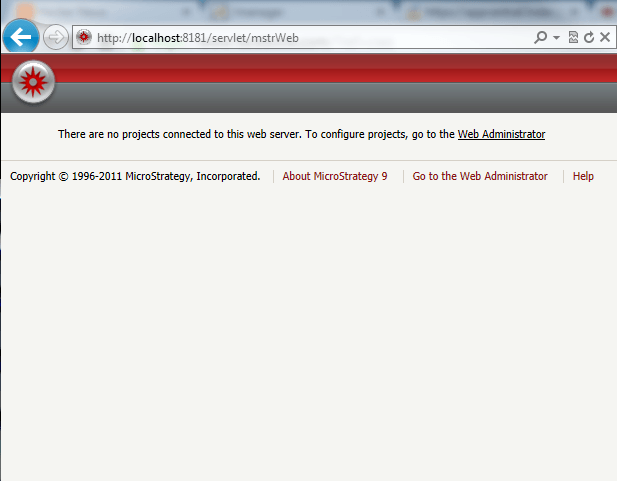
If the Tomcat root were to point to the Strategy Web server, the following page would be automatically displayed.
ka04W000000OdLqQAK_0EM440000002Gch.png

 
ACTION
The following steps will set the root folder to the Strategy Web application:

  1. Stop the Tomcat server.
  2. Navigate to the webapps folder under the Tomcat installation.
  3. Delete the existing ROOT folder.
    Note: Following best practices, make a backup of folder before deleting.
  4. Rename the 'Strategy.war' file to 'ROOT.war'.
  5. Start the Tomcat server.

This will redeploy the Strategy Web war file as the Root application and Tomcat will treat it as the main application, thus when accessing the URL with just the server name and port, it will redirect to the Strategy Web application.
 
WARNING:
The third-party product(s) discussed in this technical note is manufactured by vendors independent of Strategy. Strategy makes no warranty, express, implied or otherwise, regarding this product, including its performance or reliability.
 
This technical note contains a link to a third party website that is not under the control of Strategy. When the user accesses a third party web site, the user does so at his or her own risk and acknowledges that Strategy is not responsible or liable for any content, advertising, products or other materials available from such third party sites. Mention of third party companies and web sites in this technical note is for informational purposes only and does not constitute an endorsement or recommendation. 


Comment

0 comments

Details

Knowledge Article

Published:

June 22, 2017

Last Updated:

June 22, 2017