SYMPTOM:
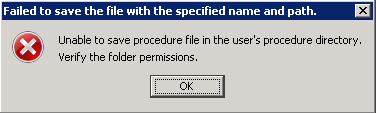
When saving user procedures in Strategy Command Manager 9.x, following error message appears:
Sample Code/Error
Unable to save procedure file in the user's procedure directory. Verify the folder permissions
CAUSE:
This is because the user logged in to the machine does not have write permission on the user procedure folder.
ACTION:
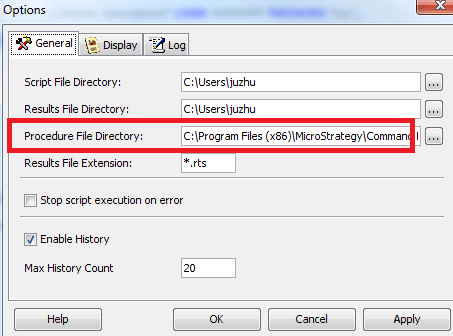
Go to Command Manager Tools > Options and change 'Procedure File Directory' option to a location where this user has write permission, or grant write permissions to the folder specified under Procedure File Directory: