After recently installing Strategy Developer, a customer receives the following error when attempting to launch Developer:
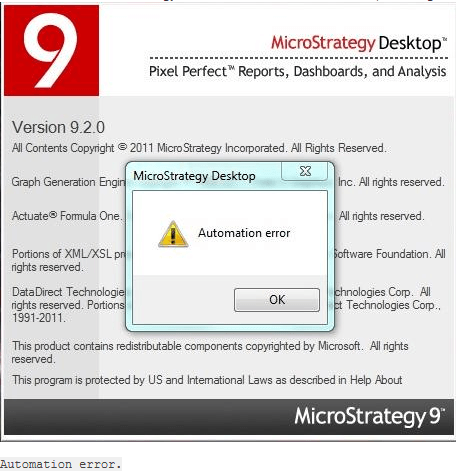
One possible cause for this error message is a corrupt installation caused by the fact that the installation folder is located on a shared (non-local) drive. Whenever installing the Strategy product, make sure the installation folder and setup files are local to the system. Do not run the installation off of a shared network drive.
ACTION:
1. If a user receives this error message, perform a complete uninstallation of Strategy.
2. Relocate or redownload the installation folder to a local drive (ie. C:\)
3. Upon opening the unzipped installation folder, navigate to the subfolder called “Installations” and execute “Setup.exe.” (Do not run Strategy.exe within the main Installation folder).
