SYMPTOM:
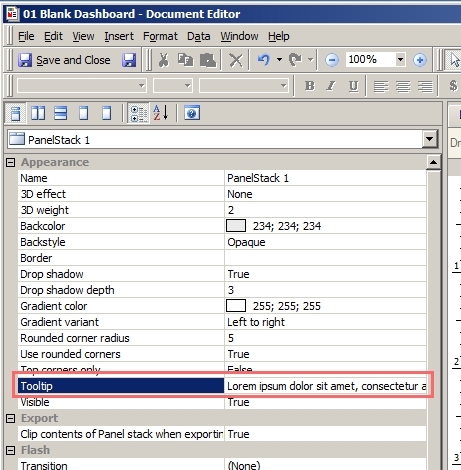
In Strategy Developer 9.x, users can edit the tooltip property of a graph object from the Property pane, like shown below:
However, if a long text is used as the tooltip, users will observe that the tooltip appears truncated or does not show the full text when viewing the RS document in Microsoft Internet Explorer 9 in Strategy Web 9.x, like shown below:
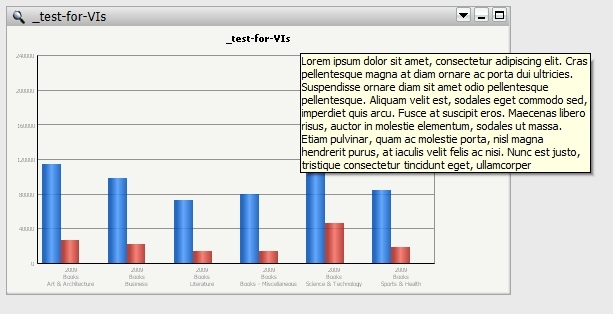
Note: The text was longer than what is shown in the tooltip.
CAUSE:
This is a limitation caused by the Microsoft Internet Explorer 9 browser. In IE9, the tooltip has a hard limit of 512 characters.
ACTION:
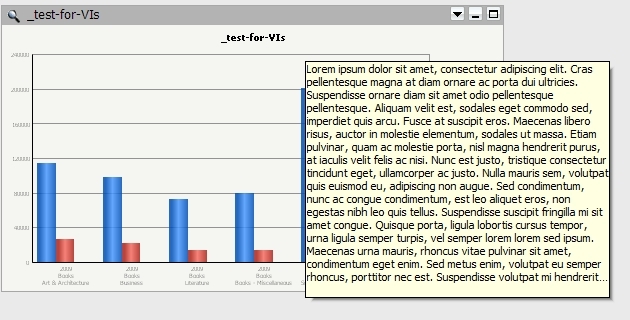
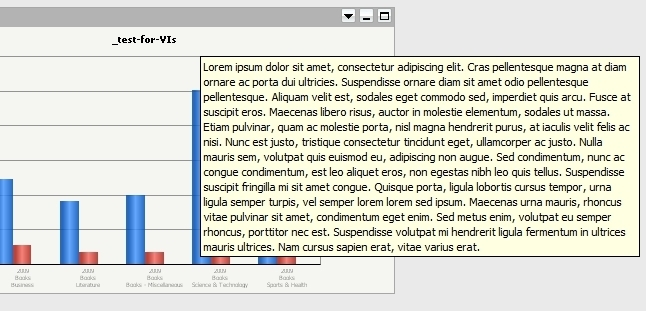
Shorten the tooltip text such that it meets the 512 character limit, or use a different browser. For example, observe how the tooltip character limit changes in different browsers.
Google Chrome v25:
Mozilla Firefox:
WORKAROUND:
Users can workaround the IE9 limitation by using the Strategy tooltips applied to the series on the graph instead of the entire graph object, like shown below:
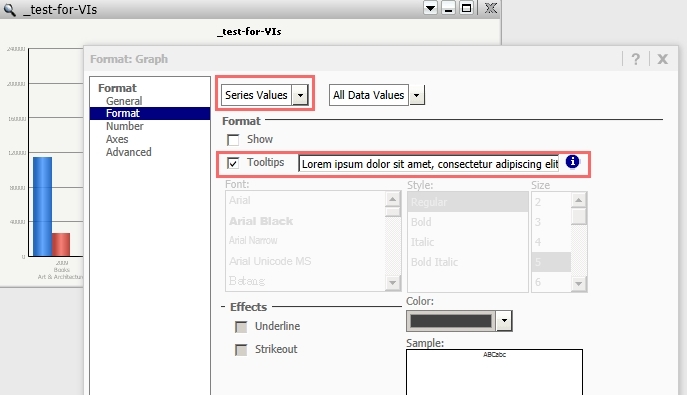
The user will have to manually apply linebreaks in the body of the tooltip by using the "
" character code. For example, the tooltip text:
Sample Code/Error
Hello
World
Would show up as:
Sample Code/Error
Hello
World
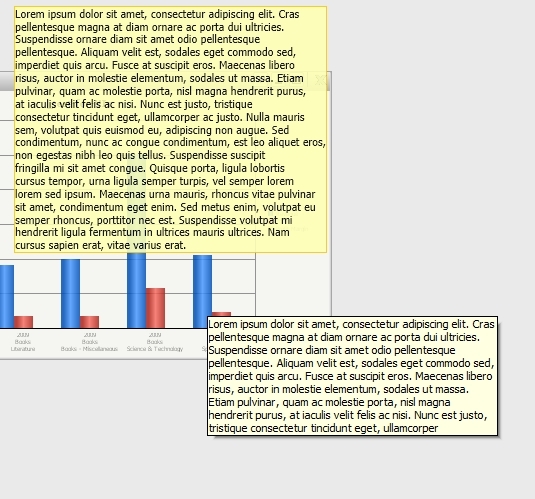
By applying the tooltip text to the series tooltip, a tooltip length of greater than 512 characters can be achieved in IE9, like shown below:
Third Party Software Installation WARNING
The third-party product(s) discussed in this technical note is manufactured by vendors independent of Strategy. Strategy makes no warranty, express, implied or otherwise, regarding this product, including its performance or reliability.
