SYMPTOM:
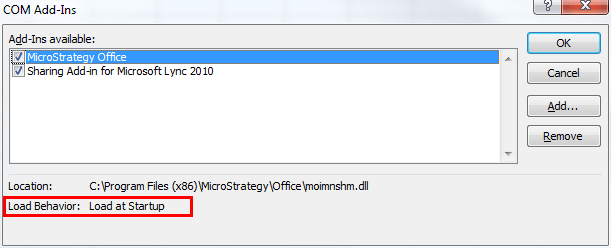
There are two main installation steps needed to be performed before Strategy Office 9.x can be used:
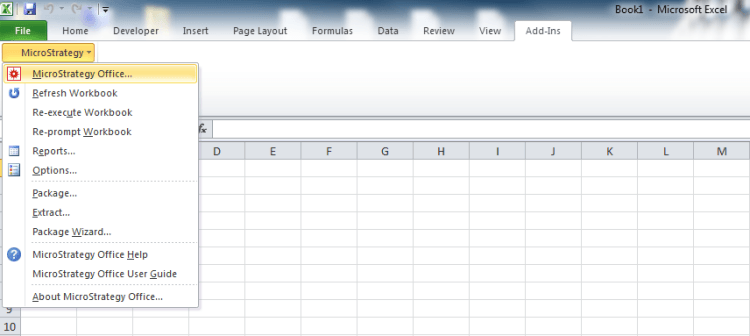
Despite correctly completing these steps, users may not see the Strategy Office add-in after opening a Microsoft Office application, as shown below.

CAUSE:
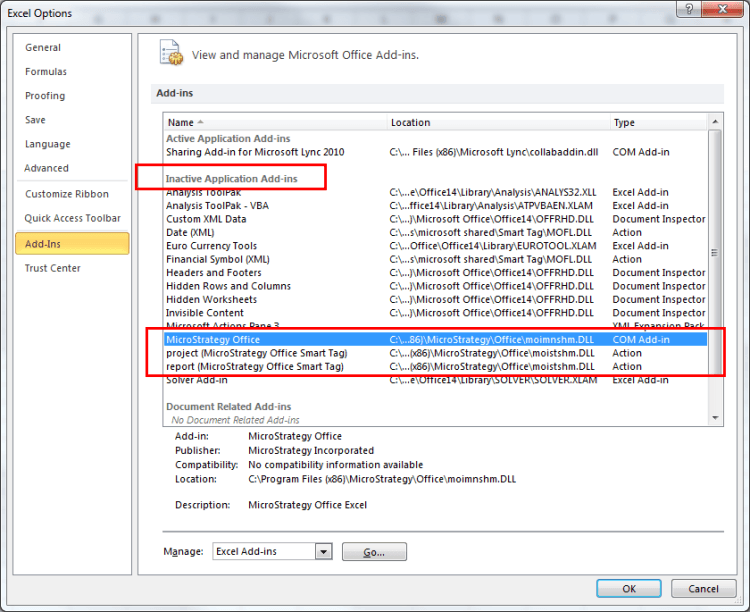
The DLL file that loads the Strategy Office add-in may be deactivated or it may not be loaded at startup. To check, open the Microsoft Office application's options by going to File > Options > Add-Ins, as shown below.
ACTION:
To activate the add-in or change its startup behavior: