SYMPTOM:
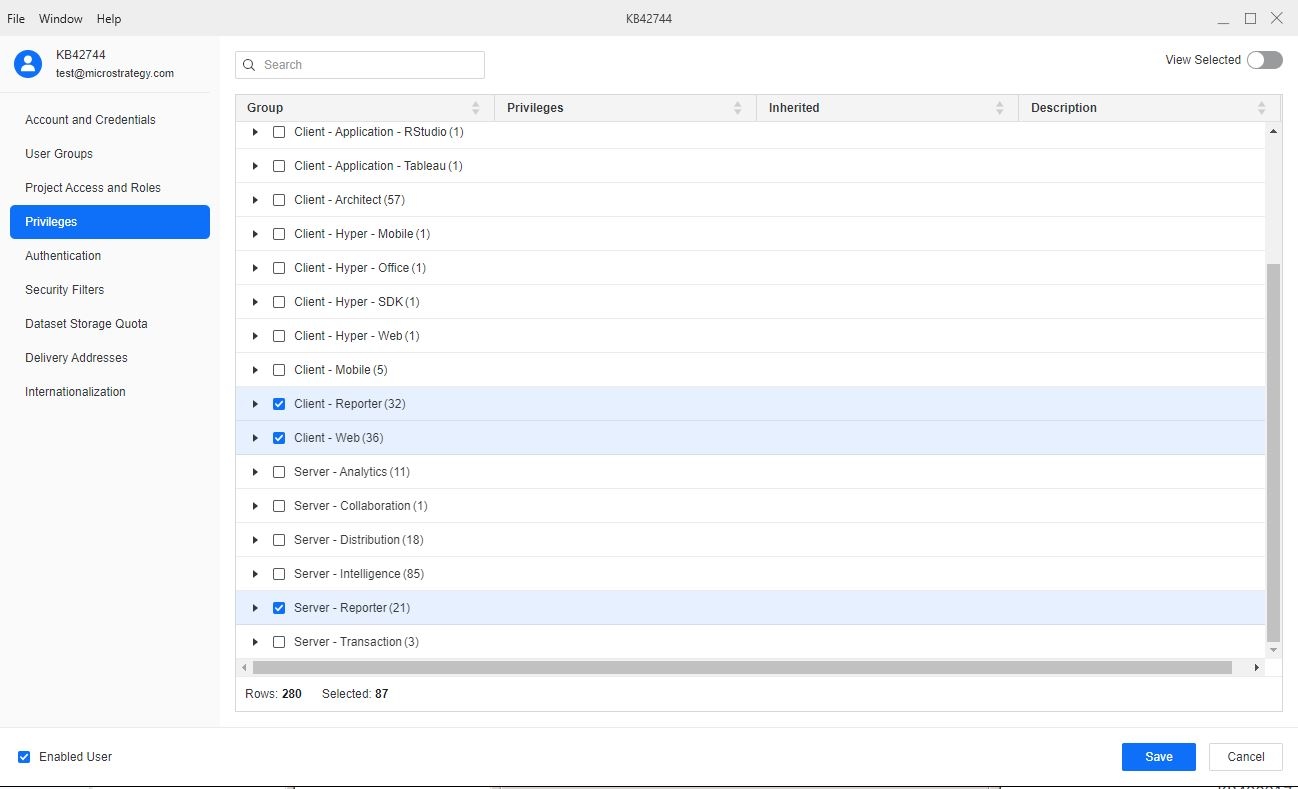
A Strategy user account with the privileges for Server - Reporter, Client - Reporter, and Client - Web, shown below is unable to save objects into the Shared Reports folder.
When the user attempts to save into the Shared Reports folder, they receive the following error message:

Error in save as

(User xxxx does not have Write access to the Folder objects 'Reports' in Project xxxx with ID xxxx.)
ACTION:
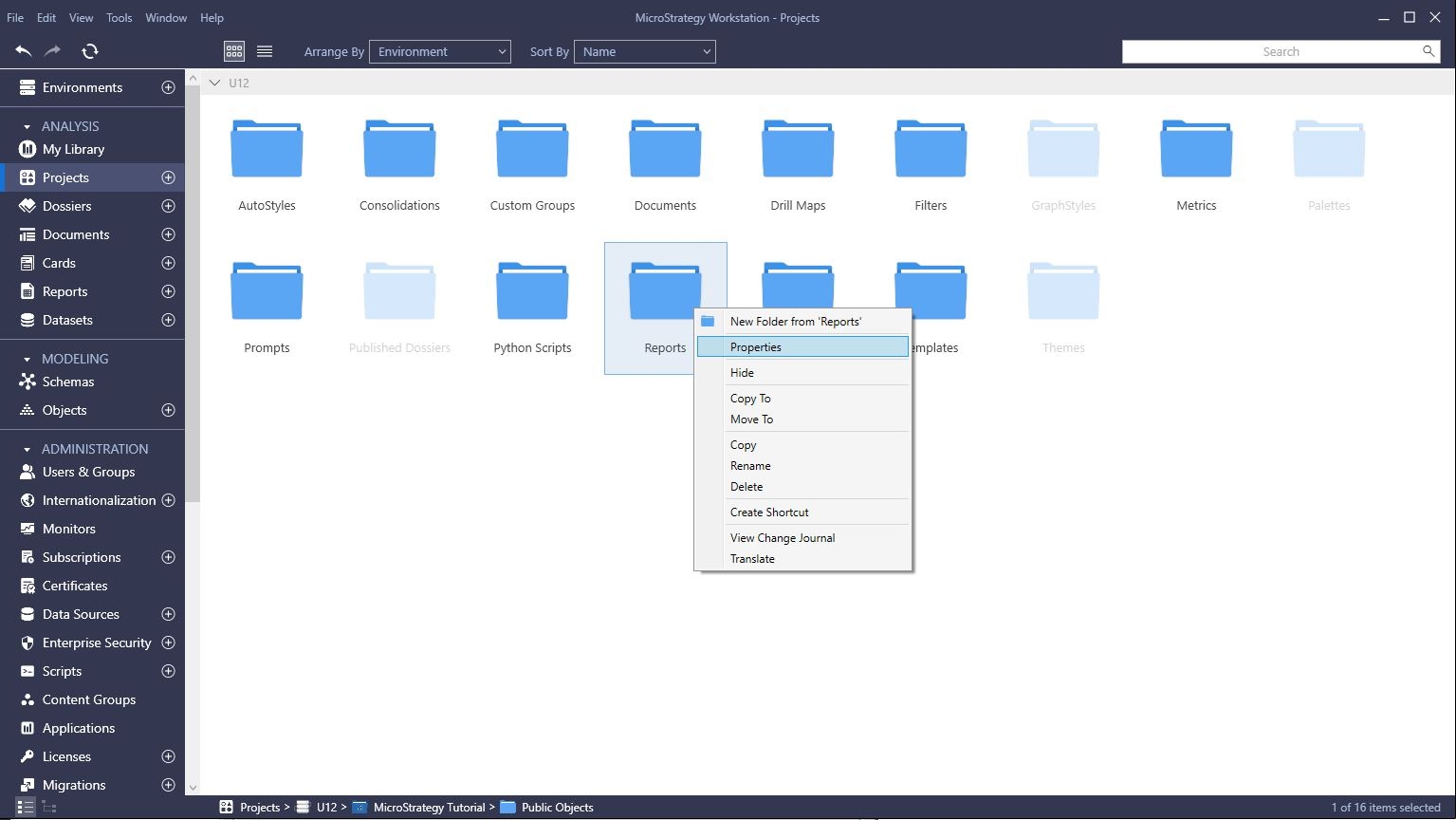
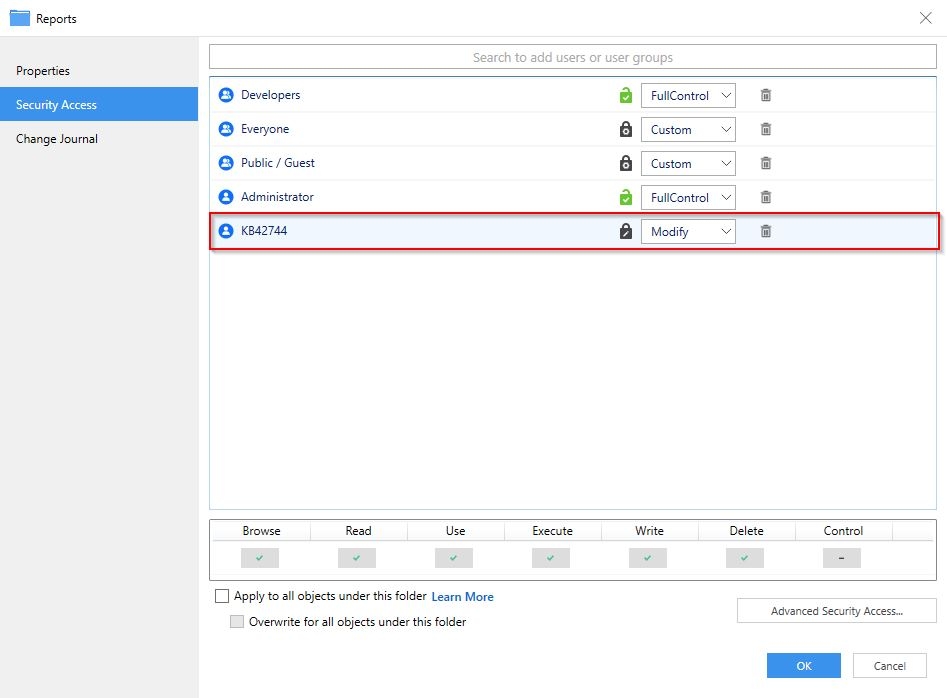
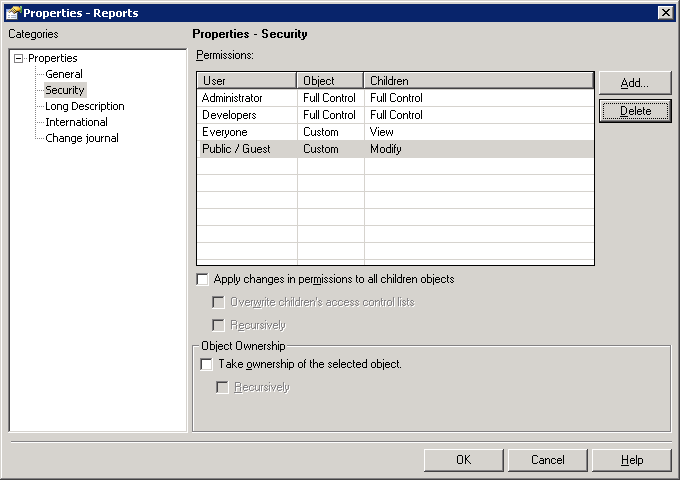
Add the user account or the user group the account belongs in to the ACLs for the Shared Reports folder. This can be accomplished following these steps:
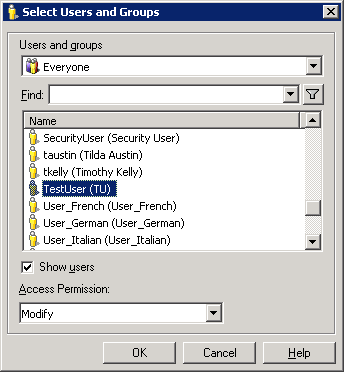
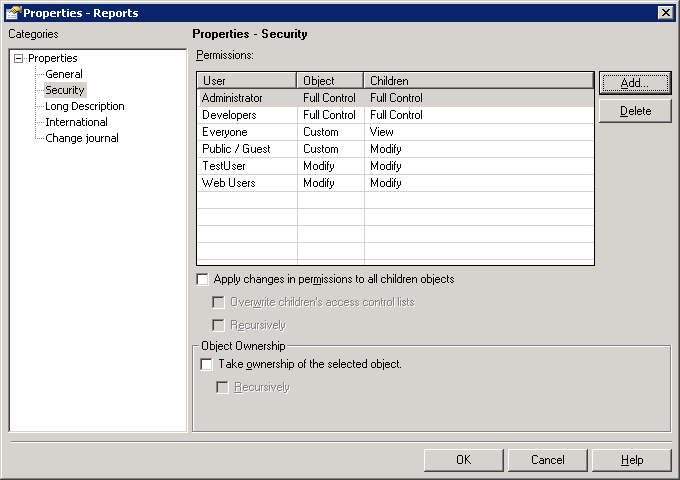
To do this in Strategy Workstation, use the following steps: