SYMPTOM:
The user has a date between filter with optional date prompts for the start date and end date. If either start date or end date is left blank, the entire filter is removed from the filter of the report.
STEPS TO REPRODUCE:
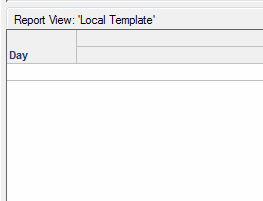
1. Create a new report with the Day attribute
2. Add a filter on the Day attribute with the operator between and set a date prompt for both the start date and end date.
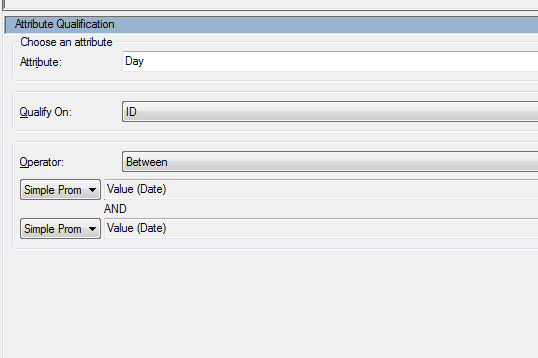
3. Set both of these prompts as optional by leaving prompt answer required unchecked.

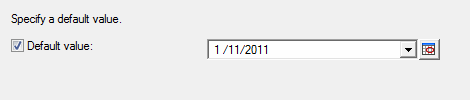
4. Set a default value for both prompts.
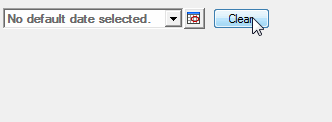
5. Run the report. Click Clear for the start date prompt
6. Keep the default value for the end date prompt
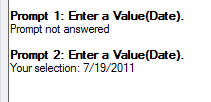
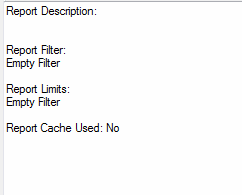
7. This filter will not be reflected in the report
CAUSE:
This is working as designed. The date between prompt has two parts, a start date and an end date. If one of these prompts is left blank, this is an incomplete filter definition. An incomplete filter definition cannot be evaluated so it is removed from the report filter.
ACTION:
Create two separate prompts, a Day greater than prompt and a Day less than prompt as seen below:
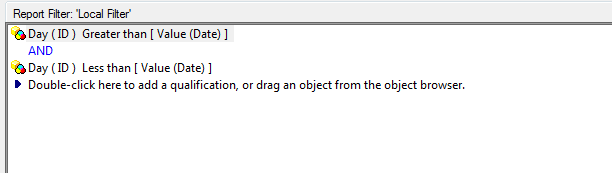
This will give the same functionality as the date between but will allow one of the prompts to be left blank if desired.
