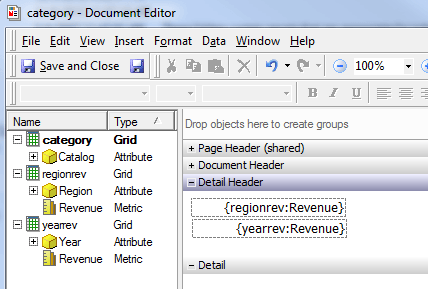
SYMPTOM:
User notices that a metric placed on a document as dynamic text shows up as static text.
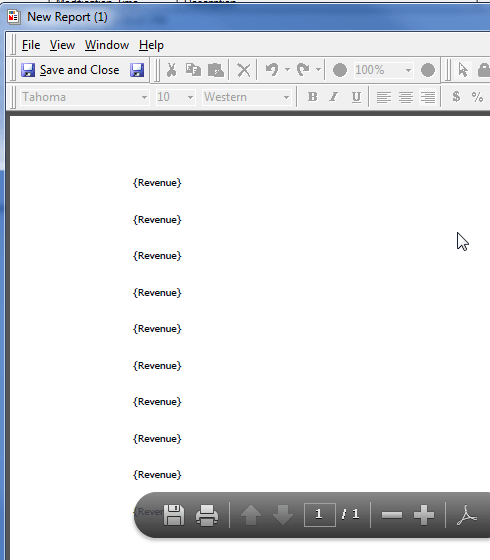
CAUSE:
This may be because in a document, there are multiple datasets that contain the same metric.
STEPS TO REPRODUCE:
1) Create 3 reports. Report 1 should have the Catalog attribute, Report 2 should have Region and Revenue, and Report 3 should have Region and Year.
2) Create a document off of Report 1.
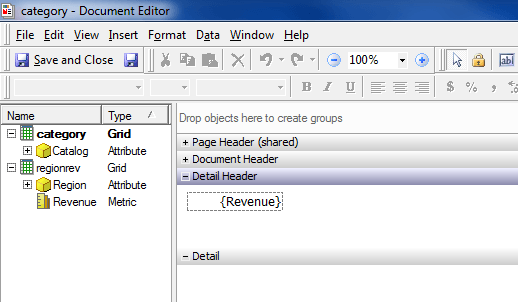
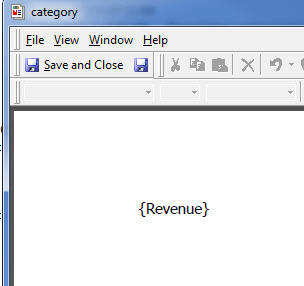
3) Add Report 2 as a dataset and drag the Revenue metric onto the document as dynamic text. The document should appear as below.
4) Run the document and notice that values appear for the Revenue metric.
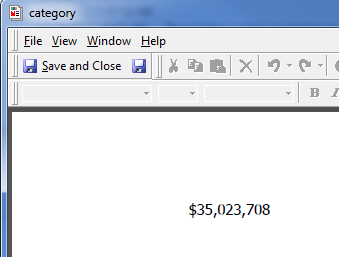
5) Add Report 3 as a dataset to the document and run the document. Notice that values do not return for the metric and the dynamic text appears as static text.
ACTION:
To ensure that the metric knows which dataset to obtain data from, add a dataset tag to the dynamic text. The syntax for this is {:}. This will allow the document to run properly.