"The database table ‘xxx’ has been used in the project. You can not link this logical table to it." error message appears when updating warehouse table name in Strategy Architect 9.3.0 as shown below:
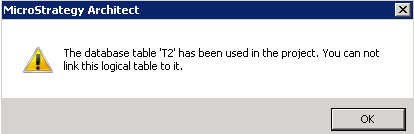
"The database table ‘xxx’ has been used in the project. You can not link this logical table to it."
The following steps demonstrate how to reproduce this issue in tutorial project:

T2 has been used in the project. T2 is wrongly imported before modifying database name of T1.
Follow steps below to delete table T2 from Metadata:
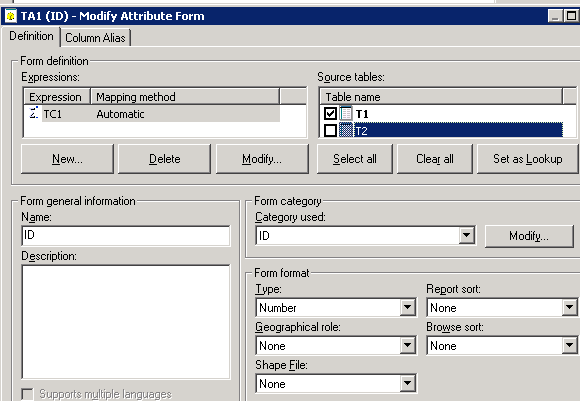
Re-modify database name of T1 as T2 in Architect. Save and close. There will be no error any more.
For more details about how to update warehouse table name in Architect, please follow the tech note below:
KB39859: How to update warehouse table name in MicroStrategy Architect 9.2.1
