Feature description:
Users can now use the native Copy command (i.e. Ctrl+C) to copy the data in cells that they have selected in a Grid Report or a Grid in a document. This will copy the cell content to the system clipboard for pasting elsewhere.
Users can select either one or more rows or columns or alternatively select one or more individual cells. To make multiple selections either the CTRL (multiple individual rows, columns or cells) or SHIFT (multiple consecutive rows or columns) needs to be pressed while selecting the data.
Selection of rows:
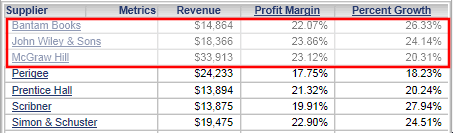
Please note: Selection a row will automatically add all columns to the selection. Users can remove individual columns from the current selection by pressing CTRL + left mouse button on the column to be removed from the selection.
Selection of individual cells:

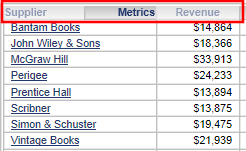
Selection of individual columns:
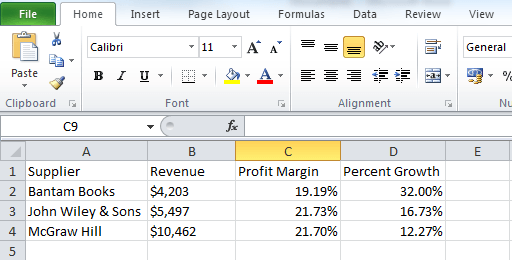
Import into other applications:
Users copy cells by pressing CTRL + C. To paste into another application from the system clipboard, press CTRL + V:
Note: This feature is available in Express View Mode starting in Strategy Web 9.4.1 HF3.
