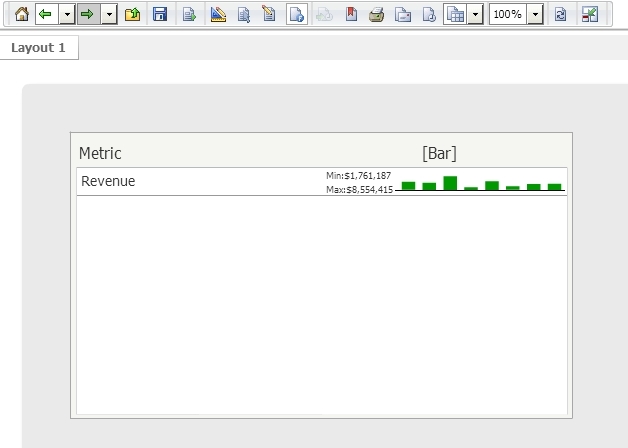
In Strategy Web 9.3.0, users can design a microchart to use the bar visualization, like shown below:

However, users may desire to hide the metric value column from showing. There is no option to do this under the Bar tab of the Microchart properties, but users can still do this if they disable the Associated metric option in the Sparkline tab, like shown below:
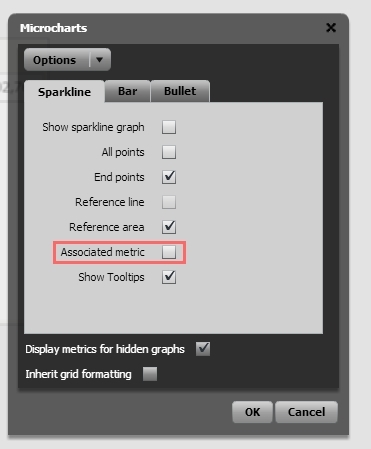
After disabling this option, the metric value column is now hidden, like shown below: