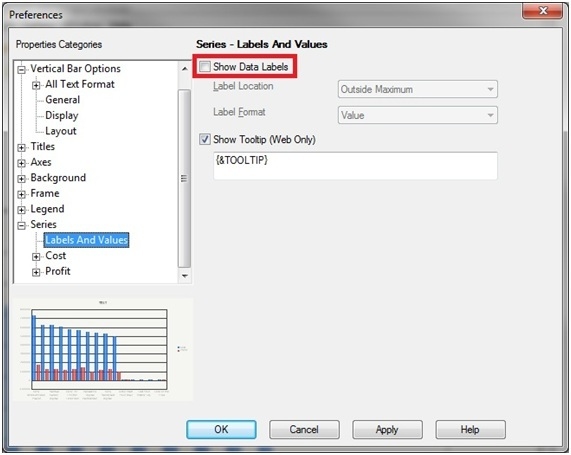
In Strategy Desktop 9.x, the option to show data labels can be found in the graph properties as shown below:
In Strategy Web 9.x, the same option can be enabled by following the steps below:
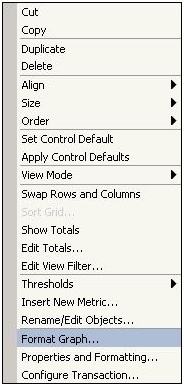
1) Right mouse click on the graph and select the Format Graph option:
2) In the left side, select the Format menu option, so in the right side, select Series Values in the first drop-box list, All Data Values in the second drop-box list and check the Show box to show the data labels; click on OK:

