SYMPTOM:
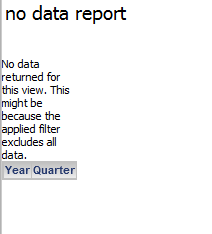
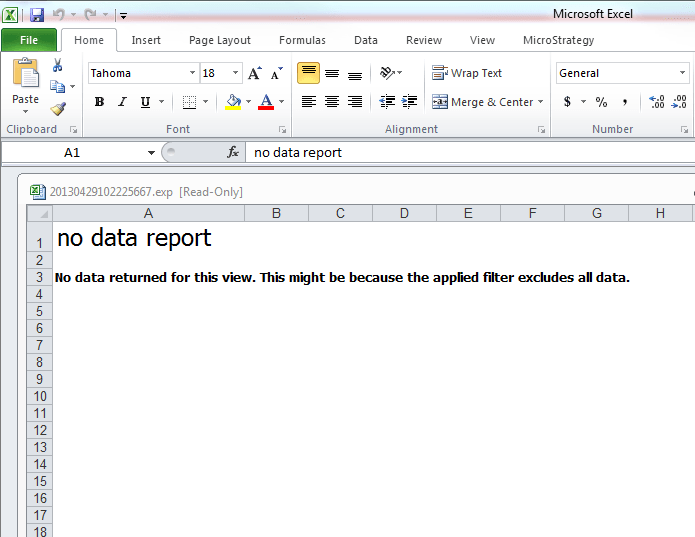
When exporting a report that returns no data to either Excel with plain text or with formatting, the column headers of the report cannot be seen in the export. However, if the report is exported into an HTML format, the column headers can be seen in the HTML export in Strategy Web 9.3.0, like shown below.
Export to HTML format, including the headers for Year and Quarter.
Export to Excel with plain text or with formatting, no headers.
STEPS TO REPRODUCE:
CAUSE:
This is working as designed. Whenever a report returns no data, the headers are never displayed. This behavior is consistent between all other export modes, the view in Strategy Web and in Strategy Desktop 9.3.0. However, an enhancement request has been logged to provide the option to display the headers while exporting to Excel as well.
