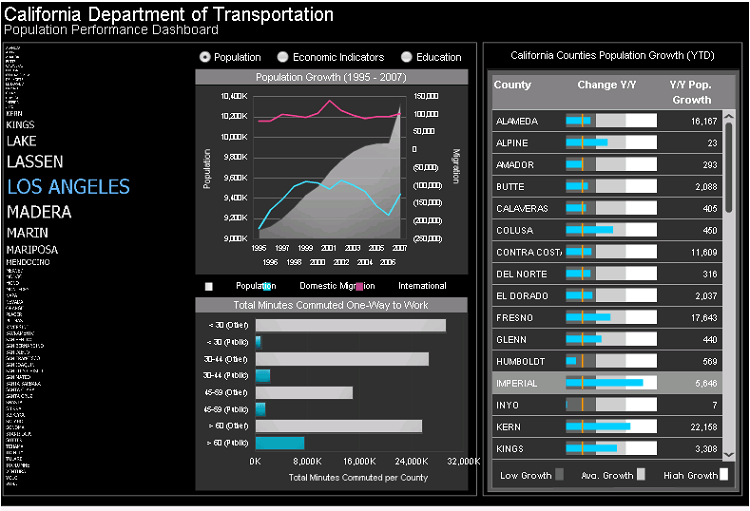
SYMPTOM:
After upgrading to Adobe Reader XI, all Flash documents exported in the PDF format with Flash content embedded open with a red question mark and the following warning:
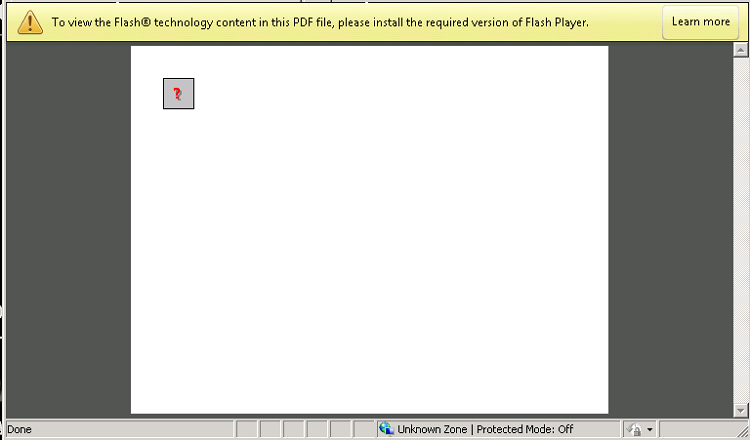
To view the Flash technology content in this PDF, please install the required version of Flash Player.
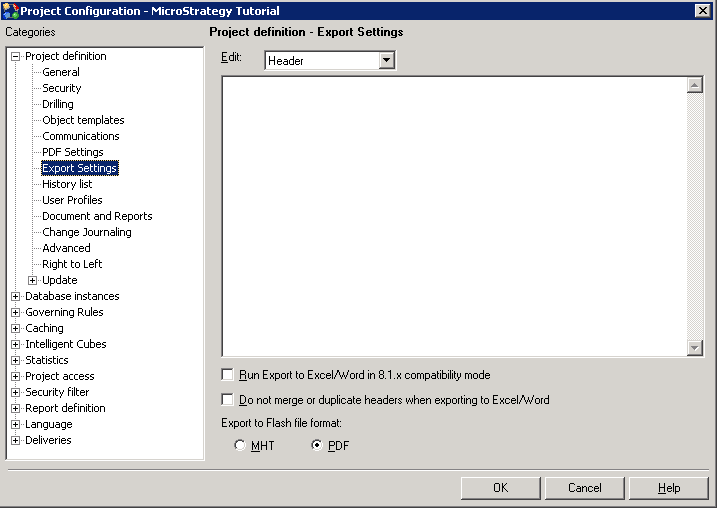
5) In Strategy Developer or Web, export a document to Flash. In this case, the California Population Analysis document from Strategy Tutorial project was used as an example, in order to generate a PDF file with embedded Flash objects.
6) Open the exported PDF file to see the issue.
CAUSE:
When opening a PDF document containing embedded Flash objects, the Flash Player Plugin for Adobe Reader is required to view the embedded Flash content.
ACTION:
Install the Flash Player Plugin for this Adobe Reader version.
The Flash Player Plugin can be obtained in: http://helpx.adobe.com/acrobat/using/flash-player-needed-acrobat-reader.html.
After installing the Flash Player Plugin for Adobe Reader, the Flash Document exported to PDF opens correctly, as shown: