Starting on Android 4.0, it is possible to take screenshots directly from devices based on Android 4.x for troubleshooting purpose without using a third tool application.
An easy way to take a screenshot from a device based on Android 4.0 is pressing and holding down the Power and Volume Down buttons at the same time. After a few seconds, the screenshot will minimize into the notification tray. The screenshots should be stored in the Screenshots folder into the Pictures folder.
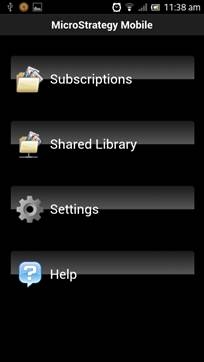
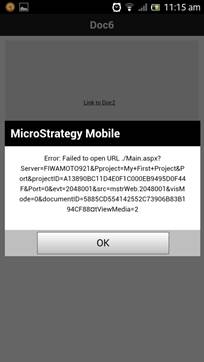
Some Android devices, like Samsung Smartphones, can use a different buttons combination to take the screenshot. For example, in order to take screenshots in a Samsung Galaxy SIII mini with Android 4.12, press and hold down the Power and Home buttons.
