SYMPTOM:
In Strategy Mobile 9.x, the following error message appears when clicking on a link to access a document located in another project:
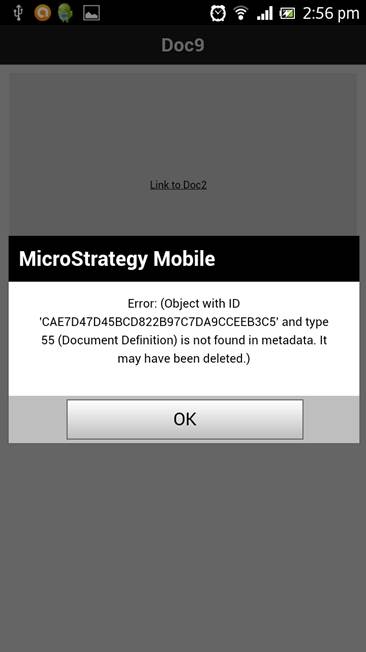
Error: (Object with ID xxx and type 55 (Document Definition) is not found in metadata. It may have been deleted.)
ACTION:
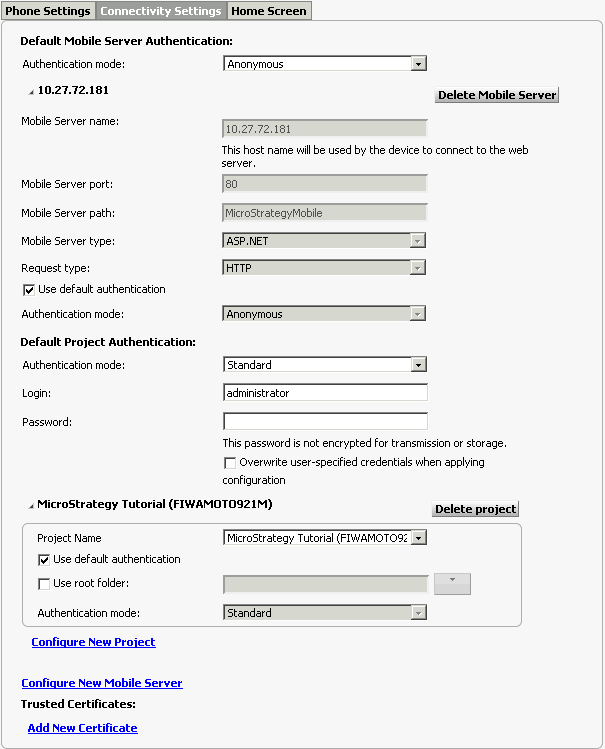
1) Configure all missing projects in the Connectivity Settings on Mobile Configuration, in this example the My First Project project.
2) Save and Generate a new URL.
3) Launch the Strategy Mobile App using the new URL to apply the changes.
