SYMPTOM:
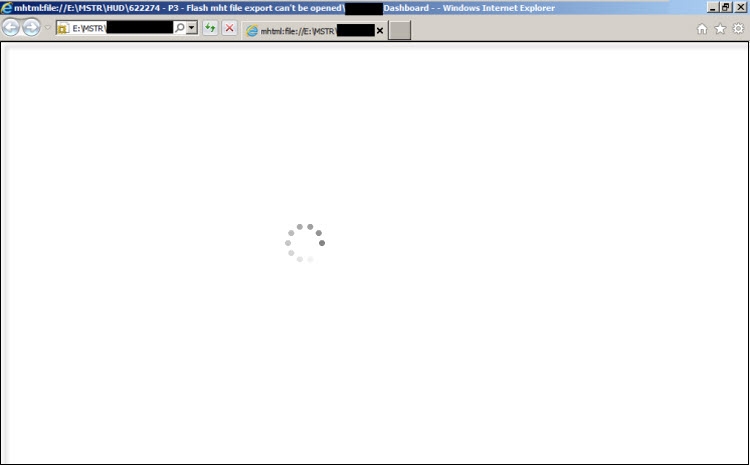
An exported MHT Flash document from Strategy Web 9.3.x can’t be opened. The MHT file shows a blank page when opened in any browser (i.e. IE, Firefox):
CAUSE:
Some of the dashboard content is being not only blocked by the browser but also by Flash Player plug-in. There is a component within the Dashboard that is considered by Adobe a security threat to its policy so content has been disabled from loading.
WORKAROUND:
Modify Adobe's Flash Player Global Security Settings:
Access Flash Player Help> Global Security Settings panel:
http://www.macromedia.com/support/documentation/en/flashplayer/help/settings_manager04.html
Click “Always Allow.” Click “Edit Locations.” Then “Add Location.” Then: “C:/”
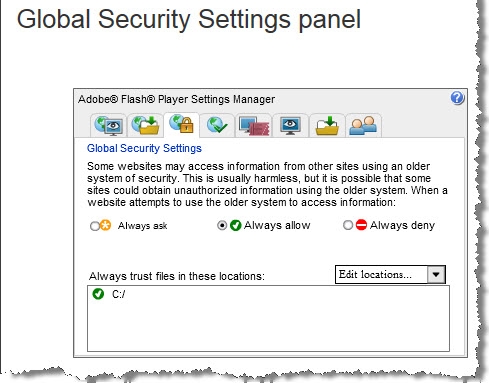
This will update Adobe Flash settings. Restart browser and afterwards the exported mht file should be able to be opened with no issues.
